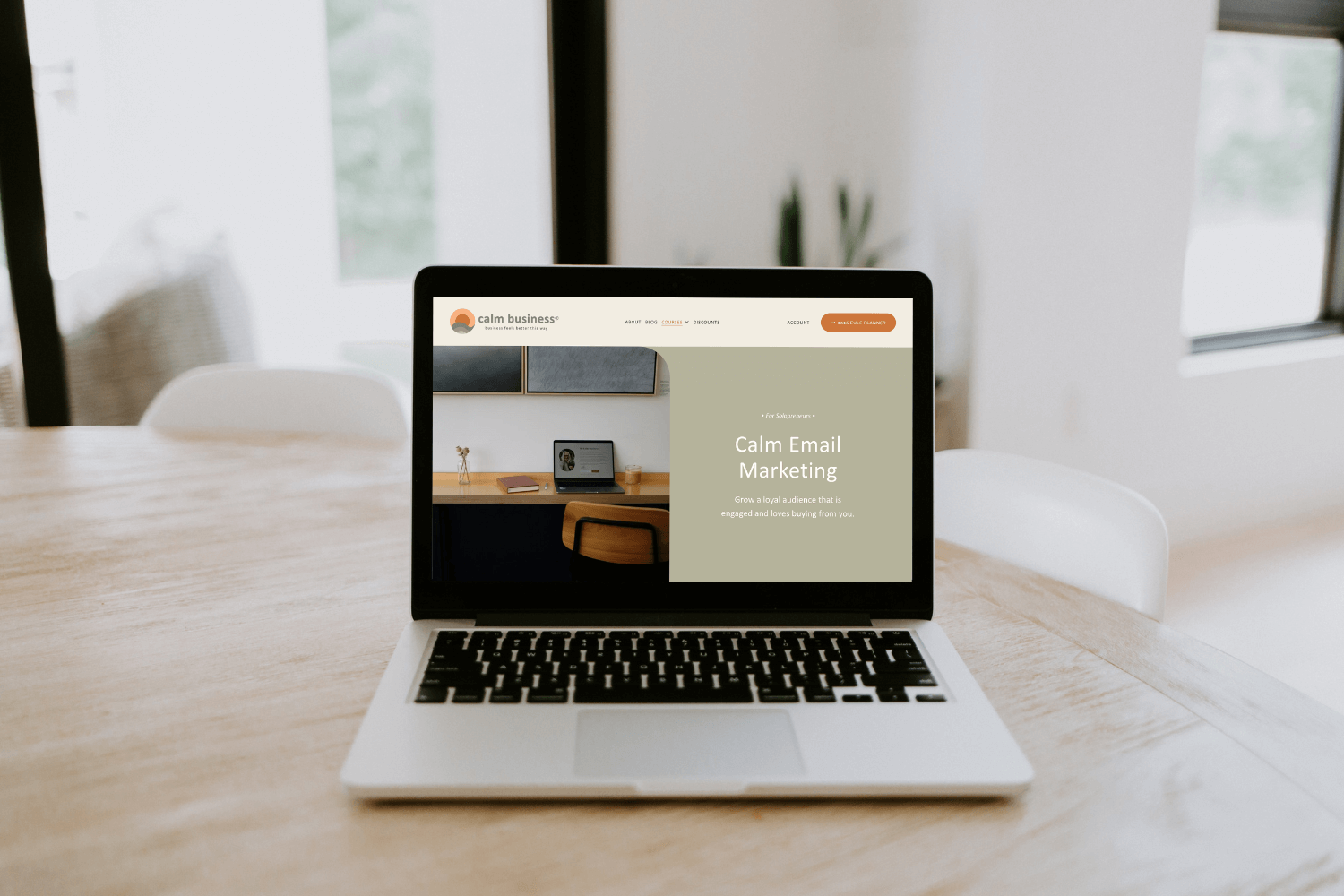
I often call email marketing the quiet powerhouse of online marketing. This is certainly true for online business owners who don’t want to rely on social media, which is unreliable and flooded with AI slop that competes for everyone’s attention.
Choosing the right platform for your email marketing is therefore an important step, and not always an easy one as there are many options these days. Which platform we decide on, mostly depends on these criteria:
Pricing
Deliverability
Features, such as automation
Integration with other parts of your business
Ease of use
Styling options
Platforms like Kit or Flodesk have attractive affiliate program, so many people are promoting them and encouraging their use. They are also platforms specifically built for email marketing, unlike Campaigns which is an add-on for Squarespace websites.
(As an aside: Squarespace just launched a standalone version of Campaigns that you can use without a Squarespace website, but it’s extremely basic.)
I’ve been using Squarespace since 2008 and when they launched Campaigns in 2018, I was all in. This is actually one of the things I still love about Squarespace today: that it has evolved to an all-in-one platform that allows me to host all major business functions – my website, my courses, and email marketing – in one easy place.
Here is my honest assessment of Campaigns, after using it for eight years.

Let’s start with what I love about Campaigns:
One place for everything.
My business offers different products: physical (Eule Planner), a resources library, and online courses. I love that with Campaigns, I can easily send emails to my subscribers, new leads, existing customers, and course members, all from the same hub.Beautiful emails.
Campaigns’ intuitive content builder and styling options make creating gorgeous newsletters effortless and fun.Easily insert blog posts + products.
No need to use images, text blocks, and manual links – with Campaigns, I can insert blog posts and products automatically!Full access to my website assets.
I can’t just insert blog posts or products, I also have easy access to my color palette and photos in my asset library.Simple, effective automations.
I can create welcome and nurture sequences for my lead magnets, as well as upsell automations for my physical or digital products.I never need to leave my website.
Campaigns is fully integrated with my website, so I can manage all of my digital activities in one convenient place. Love that so much!All the analytics I need.
Campaigns Analytics gives me all the info I need at a glance: how many have opened an email, how many unsubscribed, how many click-throughs, and what the popular links are.Reasonable pricing.
I pay $336 a year for Campaigns, which I think is reasonable for what I get and for the convenience of having all my major digital business functions under one convenient roof.

In 2026, I seriously considered leaving Campaigns. Here is why:
No first-name only field on sign-up form.
This is a very popular email marketing feature – marketers like to use subscriber’s first names in their emails. However, the name field in the Squarespace newsletter block requires first AND last name. Which is a real barrier for people who want to sign up for a lead magnet or newsletter. Recently, Squarespace made the last-name field optional, BUT… this does not hide it on the sign-up form – the form always shows both first and last name. So we basically have to use CSS to hide the last name field, and I honestly don’t know why Squarespace cannot code this into the backend. In early 2026, Squarespace told us that they are not putting any more development effort into this. And to add insult to injury, their new standalone version of Campaigns can hide the last name, but this feature is not made available to existing built-in Campaigns version. The way this has been handled is very disappointing.Problems with the marketing flag.
So. We are going to get a little technical here, but please bear with me as this is important to understand if you, like me, want to use Campaigns for your whole commerce eco system. Contacts in Squarespace have a so-called marketing flag, which indicates that someone has agreed to receive marketing content, like a newsletter for instance. However, not all emails are marketing communications. For instance, I send updates to my course students, which is easy to do via Campaigns (and I love that!). But. If a student unsubscribes because they finished the course and no longer want the updates, then the marketing flag is removed from their profile. Which in turn means that they will no longer get any communications, including my newsletter, even if they previously subscribed to that and still want to receive it. This issue was raised a few years ago and nothing has been done about it.Important automation feature missing.
Squarespace have started making improvements to automations, finally! However, if someone signs up for a lead magnet and enters into a welcome/nurture sequence, there is still no way to keep them from receiving your newsletter while they are in the sequence. Which can potentially be confusing and also result in too many emails. Other platforms have a logic where subscribers are only added to the newsletter list after they complete the nurture sequence, that is so much better!Can’t insert my courses into emails.
I love that I can host my courses on Squarespace, but what I don’t love is that they are treated separately from commerce, i.e. physical, service, or digital download products. As a result, they are missing features and cannot, for instance, be inserted into emails like other products can.Can’t customize the confirmation email.
This is the email subscribers get to confirm their subscription. Aka double opt-in, which I always recommend. In Kit, you can customize these emails per form, which I love because then it’s clear in the email what exactly someone is subscribing to. Alas, with Squarespace, you only get one generic message for this.No post-confirmation page.
What I really like in other platforms is that you can send subscribers to a thank-you page after they confirm their subscription via the double opt-in. This is, for instance, a great opportunity to include a special offer or a low-cost lead magnet. In Squarespace you’re just sent to a blank page that says “You’re subscribed.” Such a missed opportunity.Subscribers can’t change their email addresses.
They need to unsubscribe and resubscribe with the new email address. This is one thing I love about Kit, which offers subscribers a link to their profile where they can change all their preferences, including their email addresses.Need to pay for a P.O. Box.
It is a legal requirement in most countries, to show a physical mailing address in your email footer. Not ideal for the many entrepreneurs who work from home. Kit has a great feature for this where they provide a physical address. Squarespace doesn’t do this so I pay around $200 a year for a P.O. Box.The catch-all email feature is well-meaning but counter-intuitive.
When you insert a Squarespace newsletter form, it used to force you to select a mailing list. That is no longer the case. I think the idea behind this was to allow website owners to start collecting email addresses before they were ready to implement an email marketing strategy. The problem is that in reality, once a website owners starts using Campaigns and mailings lists, they often forget to link their newsletter forms to a list. This is easily done as this is a bit of a buried feature. Or, if you duplicate a newsletter form that was linked to a list, the duplicate version doesn’t include that link and needs to be reconnected to a list. Many people don’t know this, or forget to check this. As a result, many email addresses go into a void and there is no easy way to filter them once you start using mailing lists.
Apart from inserting my courses into an email, none of these things are issues in Kit, which I looked at switching to. I spent a good couple of days test driving Kit and exploring features and different scenarios. If you are a serious email marketer, then Kit is a serious contender.

However, I decided to stay with Campaigns. Here is why:
I’ve lived with these limitations for many years and was still able to develop a strong email marketing framework that helped me grow a six-figure business with a loyal audience of around 5,000 subscribers.
Because of its limitations, Campaigns forces me to keep things simple and focused. Which ultimately is a blessing in disguise because I’ve never been a fan of gazillion-email funnels, which may work for the hustlers but are not aligned with how I want to run my Calm Business.
I still love the convenience of having everything in one place and that I never have to leave my website or use lots of 3rd party tools.
Kit is expensive, not that easy to integrate, and bloated with features I don’t need. Moving there would have more than doubled my current cost. Plus, embedding the forms on my website was trickier than it should be, and required a good amount of custom coding to make it look good in 7.1 with its weird responsive design spacing issues. And I really didn’t enjoy writing my emails in Kit’s interface, too many distracting features.
Conclusion
My email marketing has always been about building trust and connecting with my audience, and Campaigns has been a good partner for that. Plus, writing my newsletters is one of my favorite activities in my business, and Campaigns, with its intuitive interface, makes it easy and enjoyable.
***
If you want to know how I grew a six-figure business with email marketing and a small audience, check out my Calm Email Marketing course! Or, if you enjoyed reading this post (I never use AI in my writing), subscribe to my Studio Notes, where I take you behind the scenes for candid conversations about running a Calm Business in a hustle-driven world.
Want to comment on this post?