
This post was first published in January 2021.
I’ve been using Campaigns since it launched in 2018 and I just love it! It doesn’t have all the bells and whistles of a Mailchimp or ConvertKit but it’s the perfect system for my Calm Email Marketing approach. Plus, Squarespace keep improving it all the time and it just keeps getting better and better.
7 Things I Love About Campaigns
1. I Don’t Have to Leave My Website
I appreciate simplicity in my business. It’s why I use 17hats (affiliate link, you get 10% off) for all my client management needs and why Squarespace has become my all-in-one platform for most of my web needs: it not only hosts my website, my blog and my eCourses, it’s also where I manage all my products and sales, my statistics and now my email marketing. I truly love the ease and consistency of having it all in one place.
2. Building A Campaign Is Easy
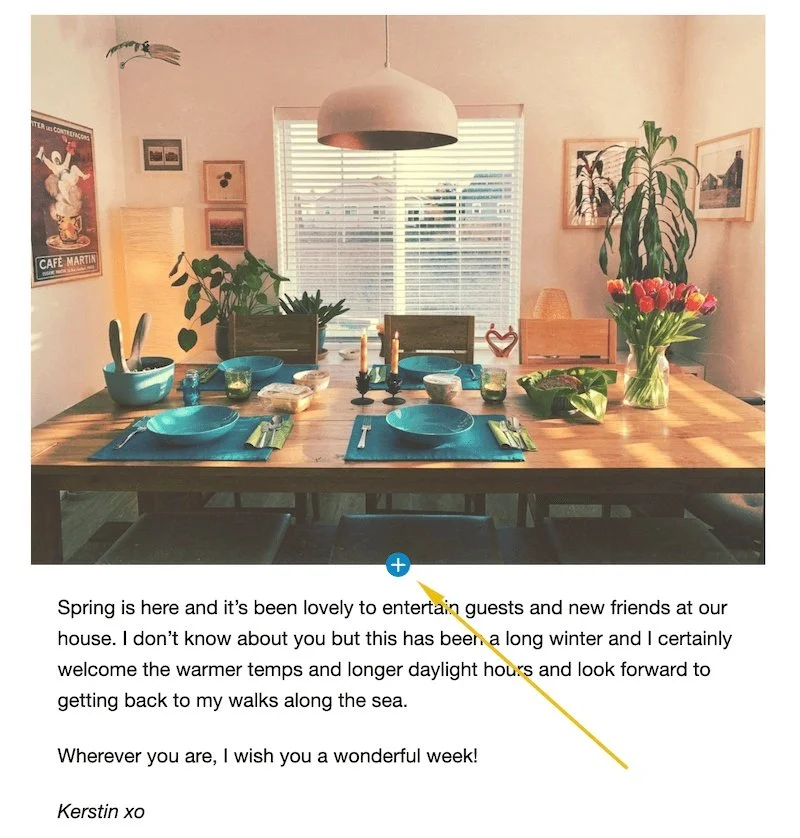
You can either choose one of the stylish templates provided by Squarespace or create your own from scratch, which is what I do. Building your campaign is easy, you simply click on the + symbol where you want to insert content and select one of the options and add it right there and then. You can also copy and paste sections and move them around. Just like your website Campaigns is a WYSIWYG editor: What You See Is What You Get. Love it!
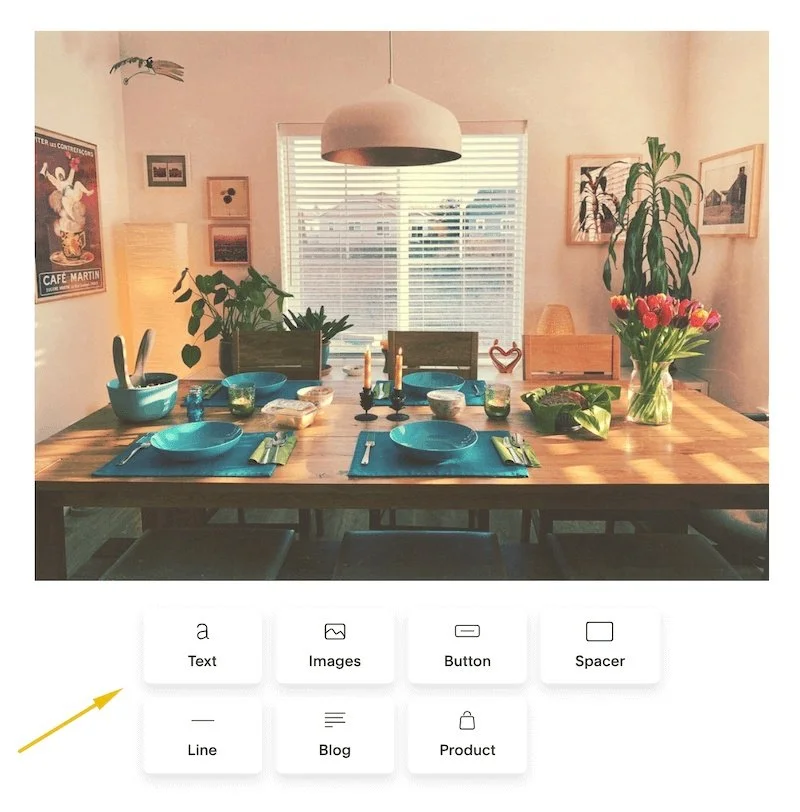
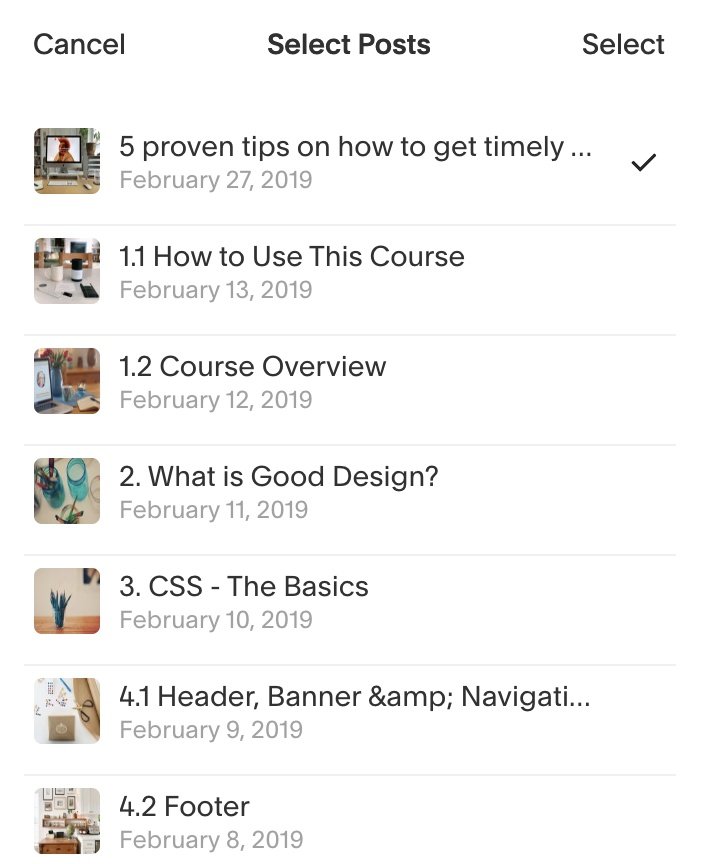
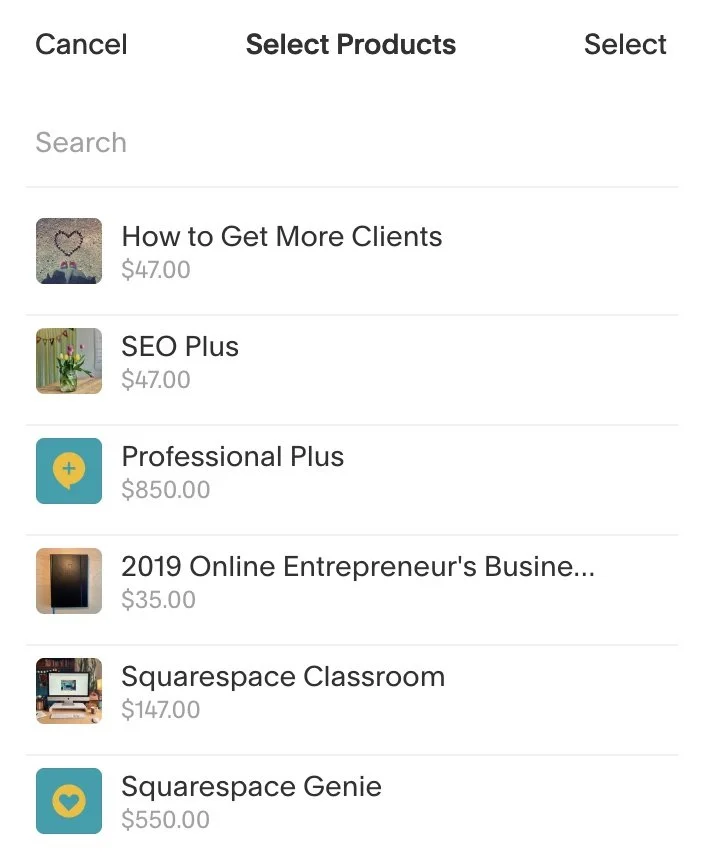
3. Easily Add Blogs and Products
I LOVE how easy it is to integrate my website content, such as blog posts or products! Instead of phaffing around with uploading images, adding text blocks and manual links you simply insert a blog or product block, choose your items from a list, apply a bit of styling and voila, that’s it! This was one of the deciding features for me when I made the switch to Campaigns in 2019.
4. Easy Styling
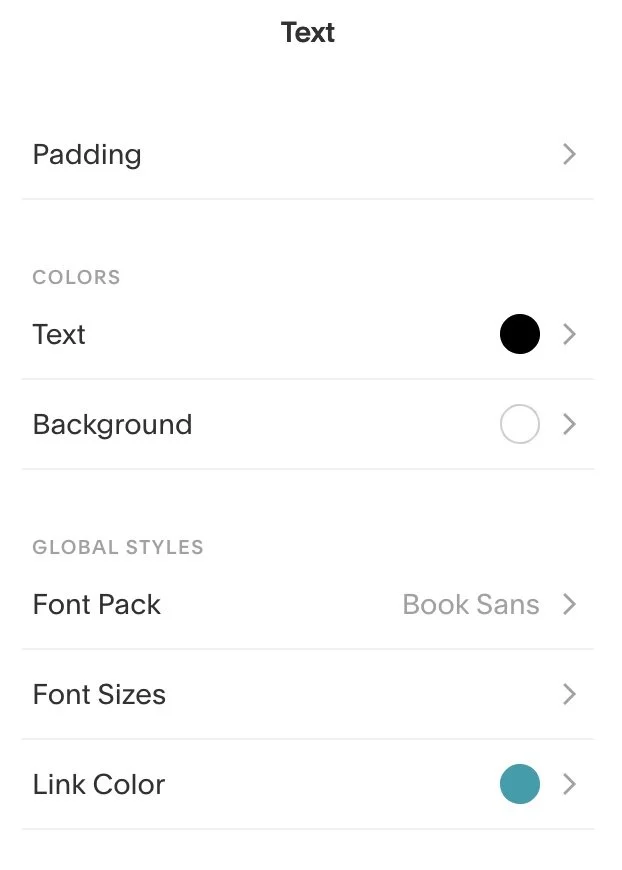
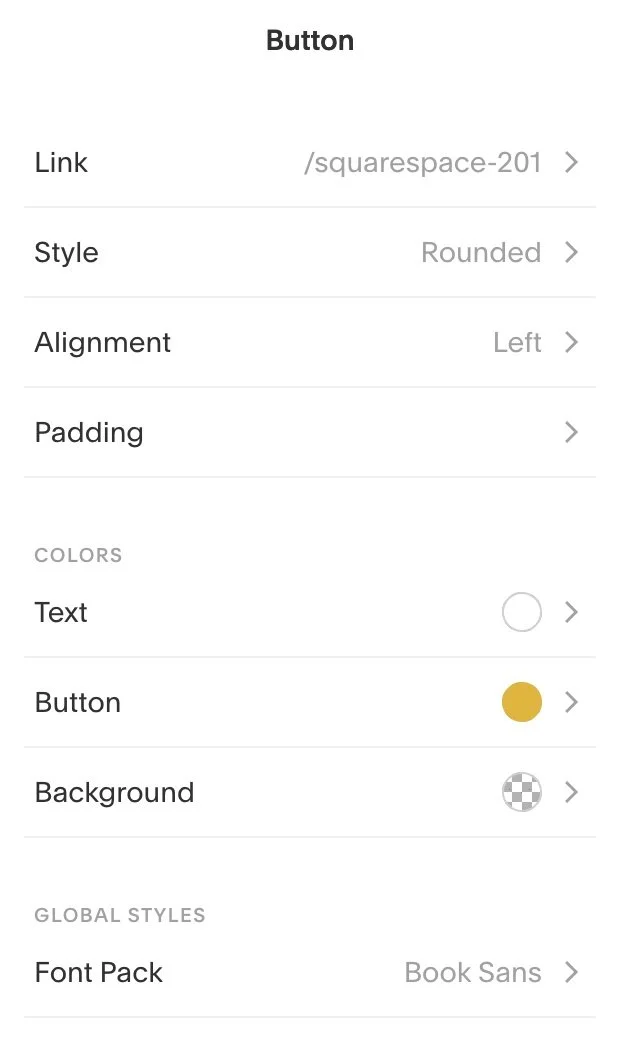
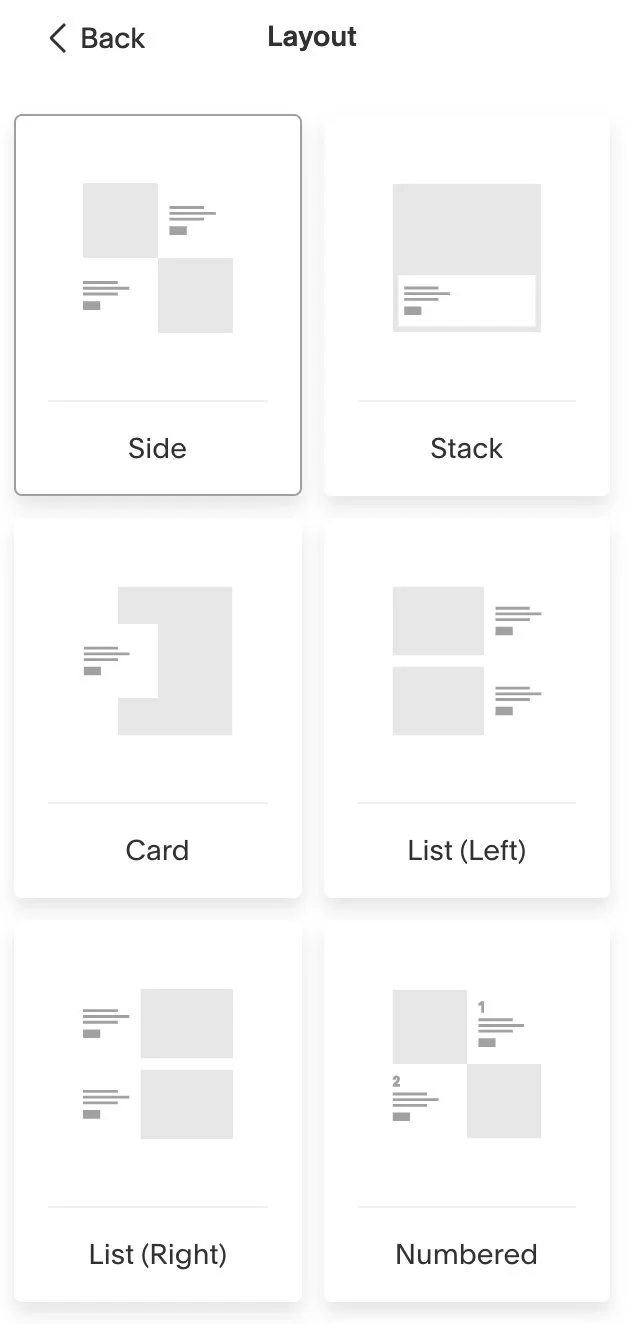
Campaigns offers some great styling options from adding background colors, changing font colors, buttons styles, content block padding, fonts, different layout options – it’s well thought out and the styling sidebar is very user friendly.
5. Subscriber and Commerce Automations
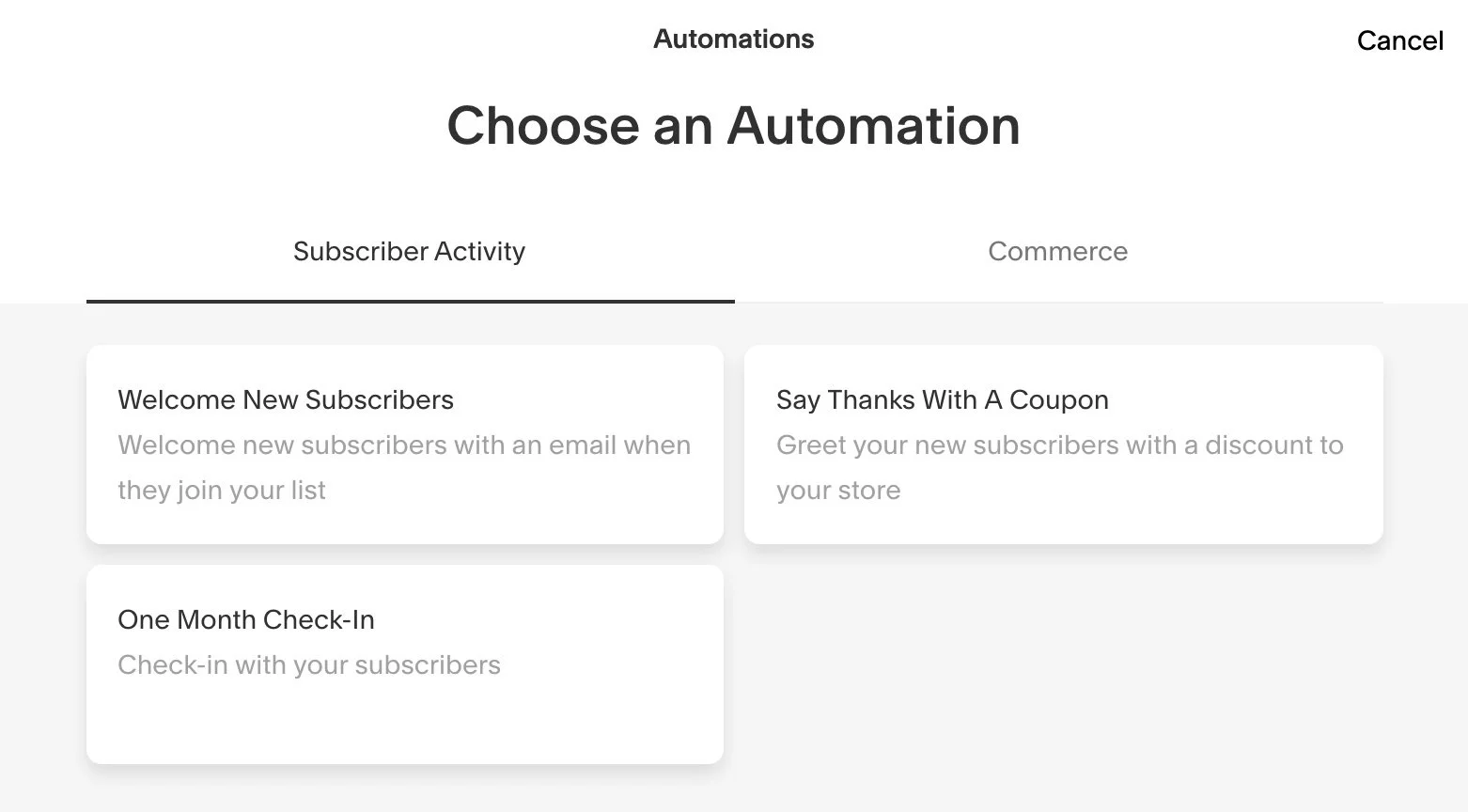
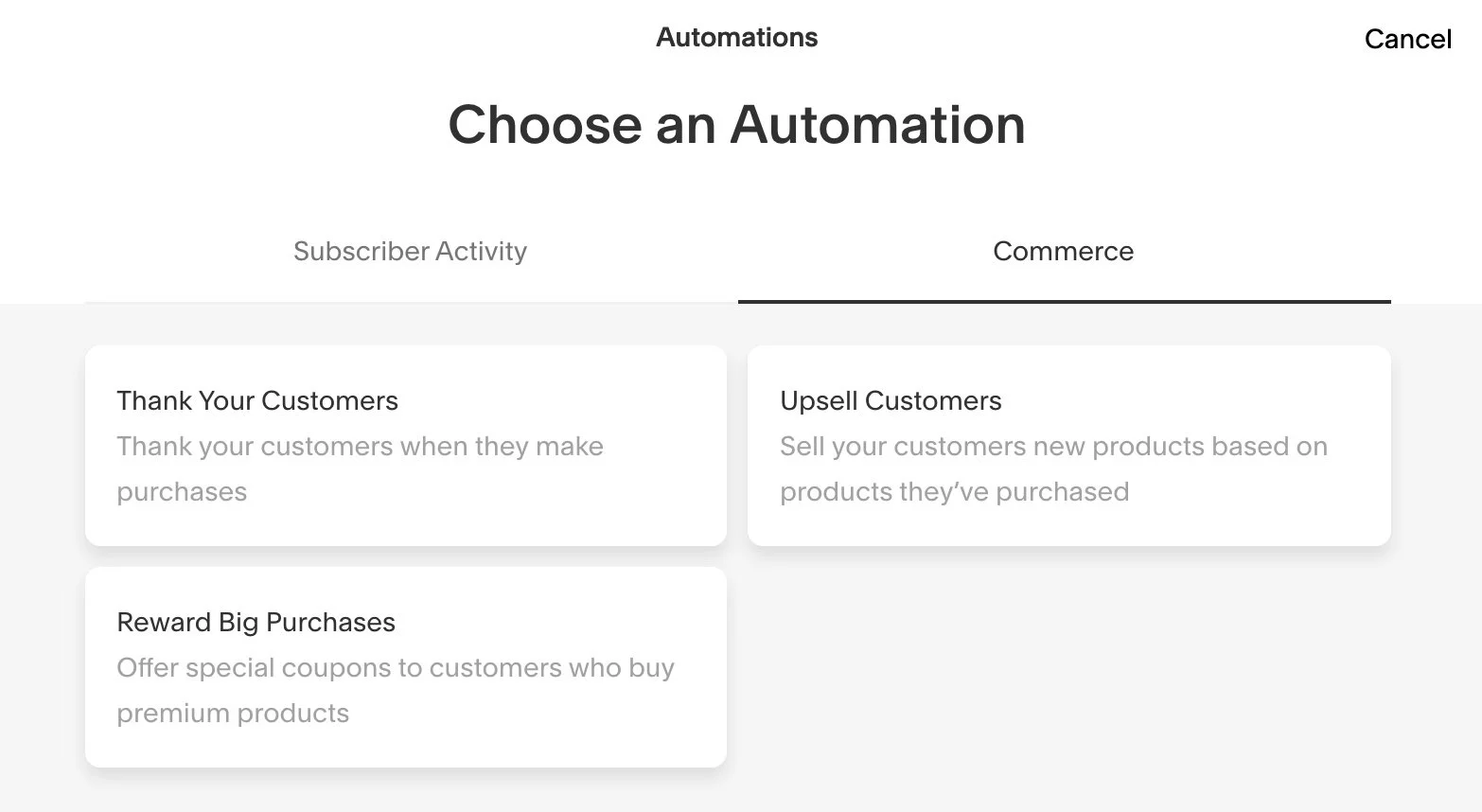
This is a much underappreciated feature in Campaigns. Often, when I tell people “You can do this with Campaigns Automation” they had no idea! Here are some examples of what you can do:
Send welcome emails to new subscribers
Create a nurture sequence (mine contains 3 emails and I get such amazing feedback for it!)
Send monthly check-in emails
Welcome new subscribers with a store discount
Send product-specific thank you emails
Send upsell emails based on previous purchases
Offer discounts to customers who buy premium products
You can also create an opt-in funnel, sequence or drip campaign with automations:
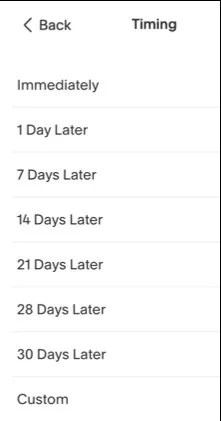
Create your mailing list and use a newsletter block or marketing pop-up to connect your opt-in to that list. (Right now you cannot connect regular form blocks to Campaigns).
Create an automation to welcome new subscribers and include any downloads or links to your freebie. Campaigns automatically asks for a double opt-in so if you care about being GDPR compliant you will be covered by that.
Create an automation for each follow-up email and simply schedule different timings for each one.
→ Click here for Squarespace’s help article on automated campaigns.
6. All the Analytics I Need
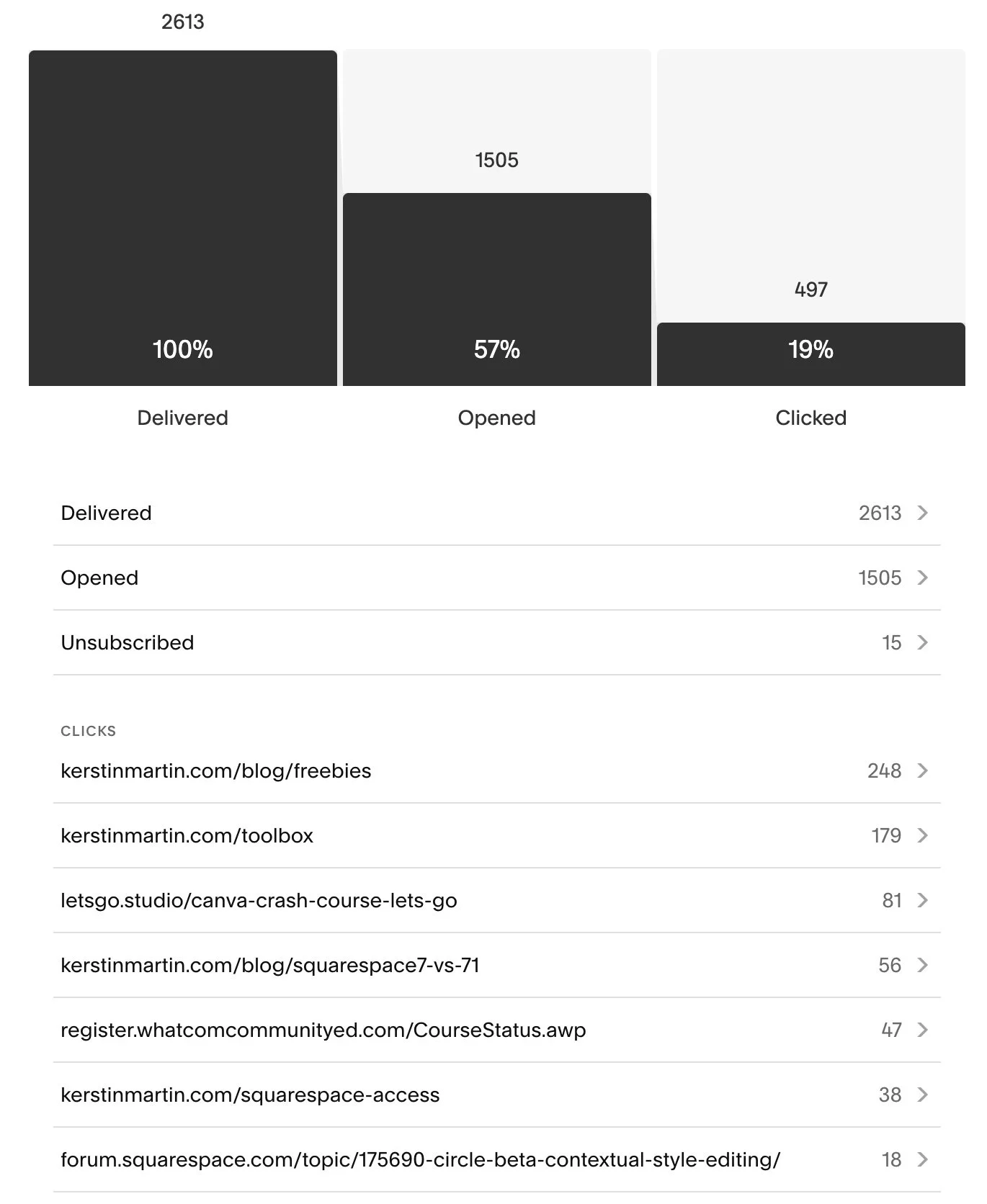
While I love my data I am not someone who will spend hours dissecting and analysing it. Which is why I am very fond of Squarespace’s Analytics, they are on point, offer only the data I am interested in and are visually very well presented. The same is true for the Campaigns Analytics, they are simple but give me all the info I need at a glance: how many have opened my newsletter, how many unsubscribed, how many click-throughs and what are the popular links. Again: easy.
7. Integration with Digital Products, Commerce and Contacts
One of the things I most love about Squarespace is how it has become my most awesome technology partner! It’s so wonderful to manage most of my business functions through my website. Because Campaigns integrates with other parts of your website you can easily:
Send emails to your members and students.
Implement upsell automations for your products.
Create nurture sequences for your subscribers.
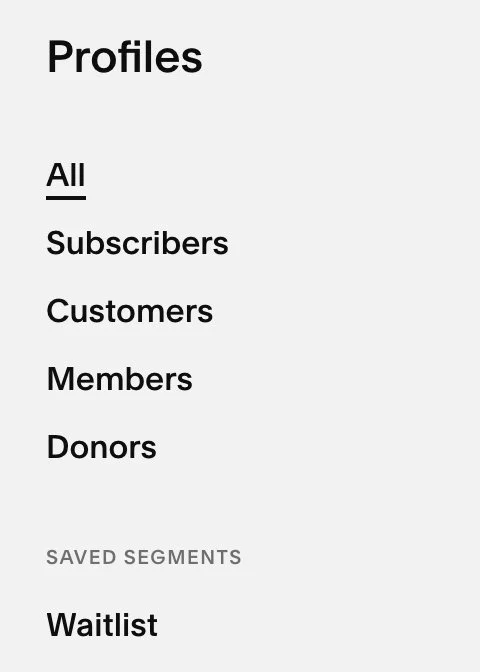
Segment and email any of your customers, subscribers, students, members or donors.
Conclusion
“For my kind of slow and intentional marketing I much prefer Campaigns because it’s simple, elegant and easy to use. It is a downright joy to write my Studio Notes newsletters these days.”
My needs are not that complicated: I don’t do complex funnels (certainly not the kind where you subscribe on my website or download a freebie and subsequently get bombarded with sales pitches!) and for my kind of slow and intentional marketing I much prefer Campaigns because it’s simple, elegant and easy to use. I just love writing and designing my Studio Notes newsletters with Campaigns!
2026 Update! I wrote another post about Campaigns, where I share all the ups and downs I experienced with it over the years.