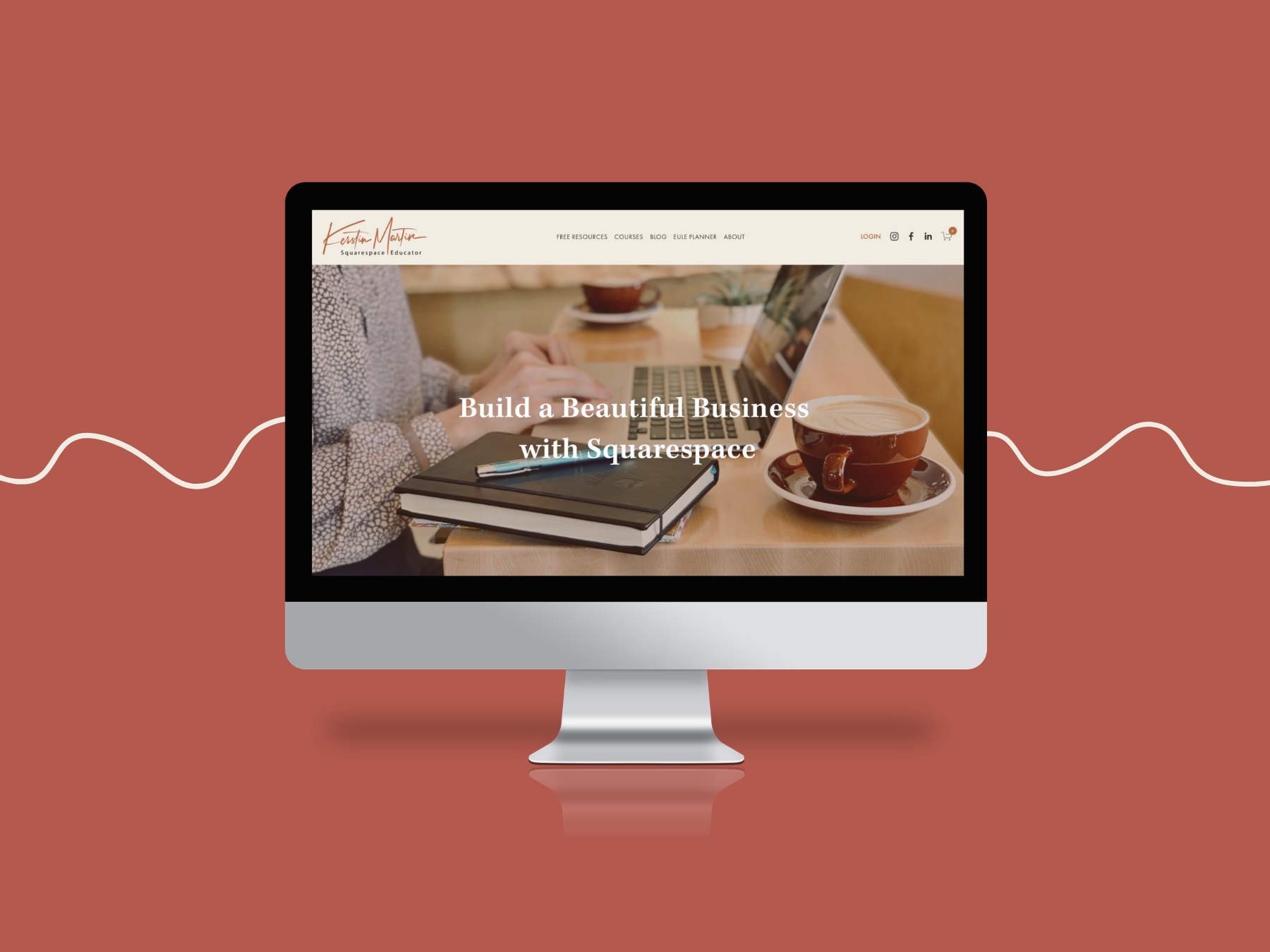
Squarespace released 7.1 in 2020, and after my initial resistance, I fell in love with it! I realized that much of my resistance was down to simply having to learn a new system. When you are so used to doing things a certain way, it can feel annoying and frustrating to have to learn a different way. But once I had committed to it, I finally ‘got’ what 7.1 is all about and it’s pretty brilliant.
Moving my website to 7.1 (which I did before Squarespace launched their migration tool) was a huge undertaking as I have about 150 pages including my courses. It took me about three months, and it was totally worth the effort! I absolutely LOVE my 7.1 website and it’s such a joy to work in it.
Before we get into what’s great about 7.1, let’s acknowledge some of the still existing challenges:
7.1 Challenges
No Share Buttons
We had share buttons in 7.0, and I am not quite sure why Squarespace thought we don’t need them anymore in 7.1? Bloggers, event organizers, and shop owners rely heavily on this functionality to increase their website traffic and grow their audiences.
Workaround: I use the free 3rd party tool ShareThis to get around this, and it works great. Another popular tool is Shareaholic.
No Migration Path from 7.0 to 7.1
UPDATE! Squarespace now has a migration tool, yay!
Why I Love 7.1
1. The Ease of Use
The pre-styled page layouts and powerful section builder make it easy, quick and fun to build out pages and to style each section. In 7.0, for instance, you had to use CSS to apply section background colors, in 7.1 it’s as easy as selecting a color theme for the section.
2. Design Integrity and Consistency
Because of how the new design panel works styles automatically propegate through all areas of the website. This not only makes trying out color palettes and fonts easy and fun, it also ensures consistency across your site. With 7.0 I always missed a color setting somewhere, not so with 7.1.
3. Easy & Intuitive Design Flow
Once my global design settings are in place I can just focus on building out my pages without having to go back and forth between design and structure. This has made my design flow a lot more streamlined and intuitive. Love it!
4. Fluid Engine
With Fluid Engine Squarespace have taken things up a notch! We can now:
Apply shapes to images and blocks.
Add background colors and rounded corners to text blocks.
Overlay blocks to create stunning effects.
Add section dividers! Think wavy lines, triangles and colored borders.
Copy/paste blocks across different sections
5. Section Saver
This is one of my facvorite features! We can now easily save and re-use section across our entire website. Game changer!
5. You can build a website quickly!
Because of all of the above you can actually design a website pretty quickly in 7.1. I teach how to do it in only two days in my Simple Start course. Of course you don’t have to do it this quickly but if you want to finally get that website up and running for your business you can do it over a weekend!
Popular 7.1 Features
The Page Builder
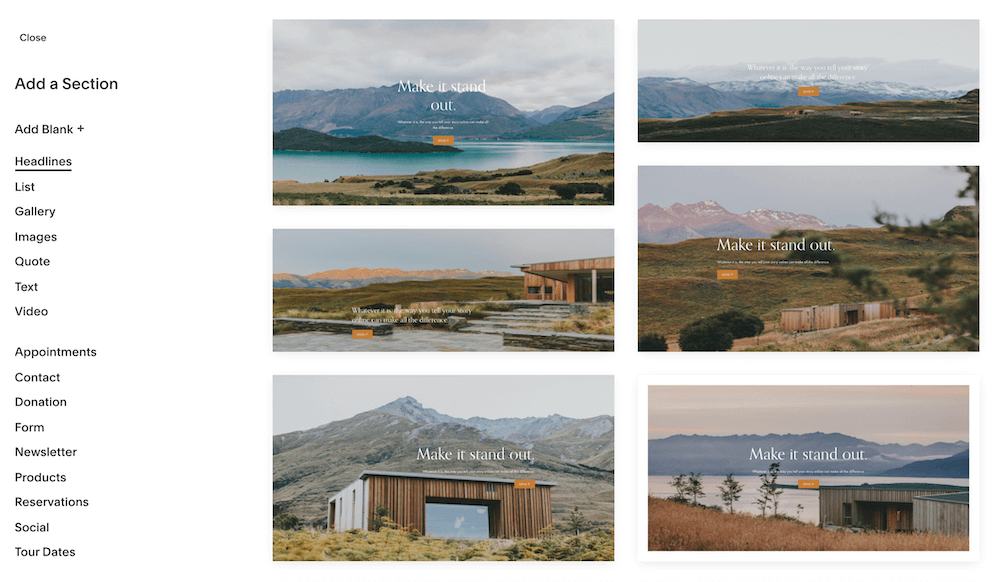
Instead of using an index with lots of individual pages you use sections in 7.1. to build out one page. This is brilliant! It makes designing so much more seamless and fun. I especially love these features:
Easily insert sections where you want them on the page.
You can copy sections! And then easily move them up and down the page.
Background colors and color themes per section.
Lots of pre-defined page layouts available for each section.
You can move content blocks between sections.
Easy resize height and content width for each section.
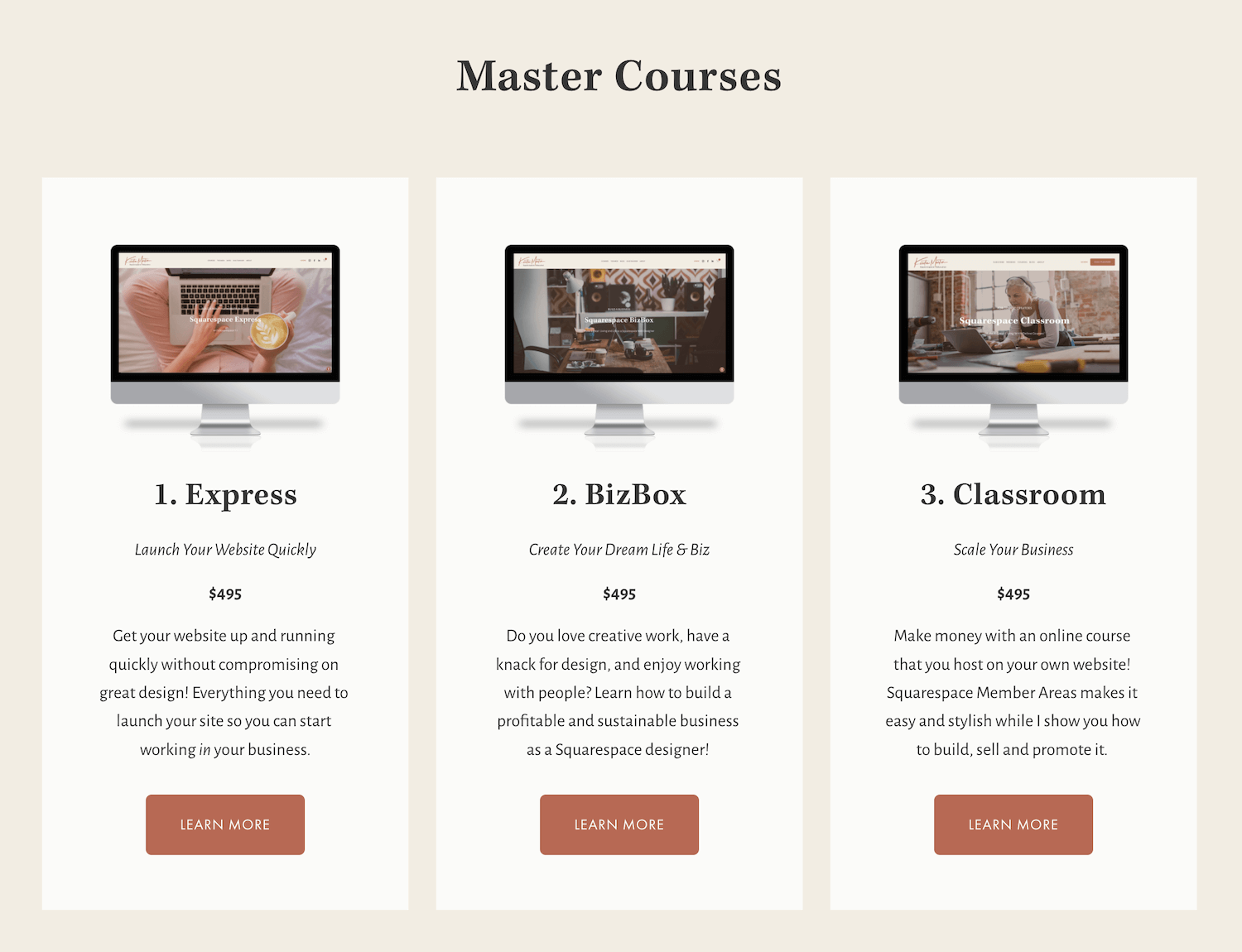
Simple List: Product Overview
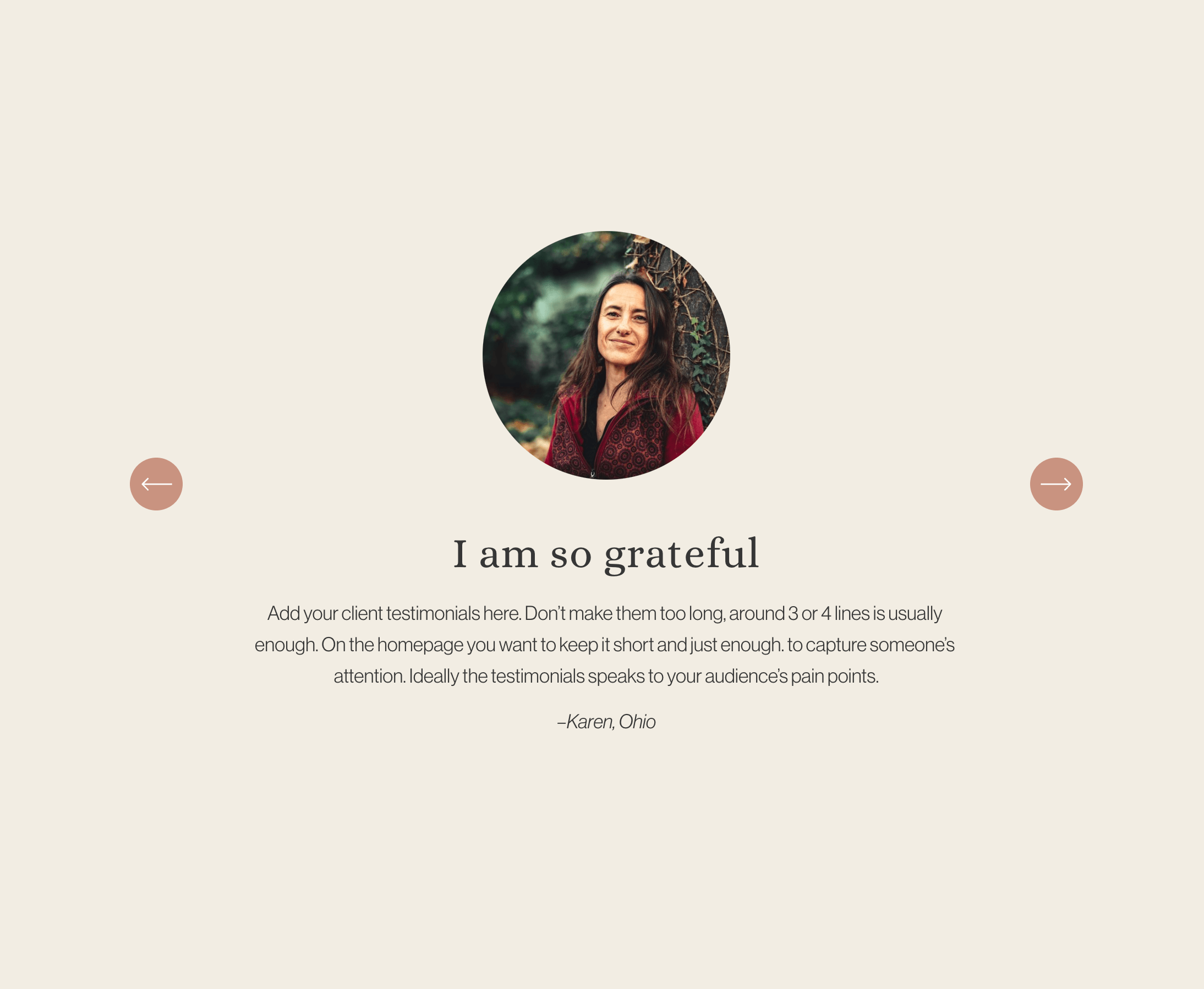
Carousel: Testimonial Slider
List Sections
Oh my, I love the list sections! They have changed how I design, they help me structure my content in a well organized manner and I love their clean, stylish look. Lists are great for:
Team pages
Service listings
Anything that wants to be in a grid or slideshow
You have three list design options:
Simple List (Grid)
Banner Slideshow
Carousel
Within the list settings you have a lot of customization options:
Image ratios and crop (including round images!)
Easily reorder your list items
Sizing margins and padding
Card background colors
Auto-aligned card heights
Custom font sizes
Text alignment
Buttons
… and so much more
The New Site Styles Panel
This is very different from 7.0 and takes some rethinking if you are used to the 7.0 Site Styles. But it’s worth it! Now that I ‘get it’ I love the design panel, especially as it helps with brand consistency and design integrity. Here are just a few of the new features:
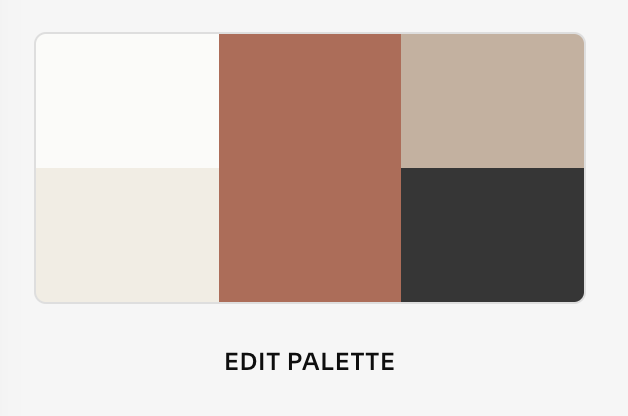
Color Palette
Squarespace 7.1 uses a main color palette with the following five color types: Lightest, Light, Bright, Dark, Darkest. You can set each of these as desired, either by using a predefined palette, the colors from a photo or a single color, or your own custom colors.
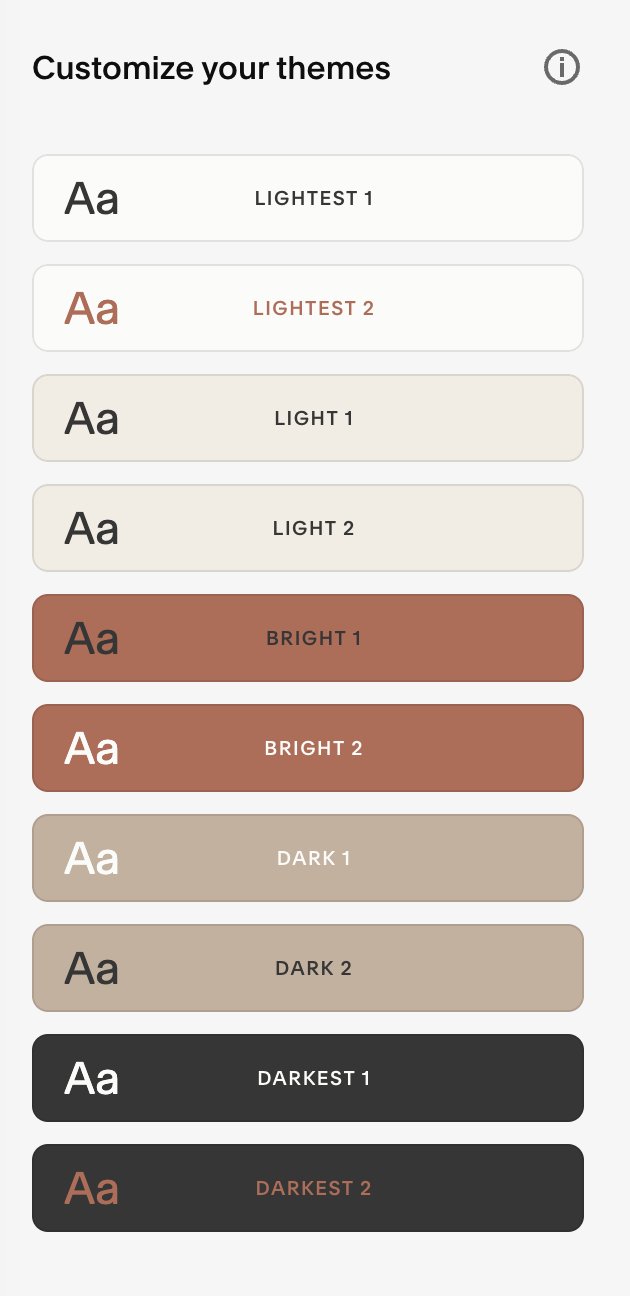
Color Themes
Using the colors from the palette as the basis you get 10 color themes, each of which you can be customized for each website element. In most cases you will only be tweaking a few of the color settings and keep everything else as it is.
The beauty of the color palette and themes is that it makes playing around with your colors easy and fun. If you want to try out different colors or shades, just change them in the palette and it will filter through the themes and all your website sections accordingly. Just brilliant!
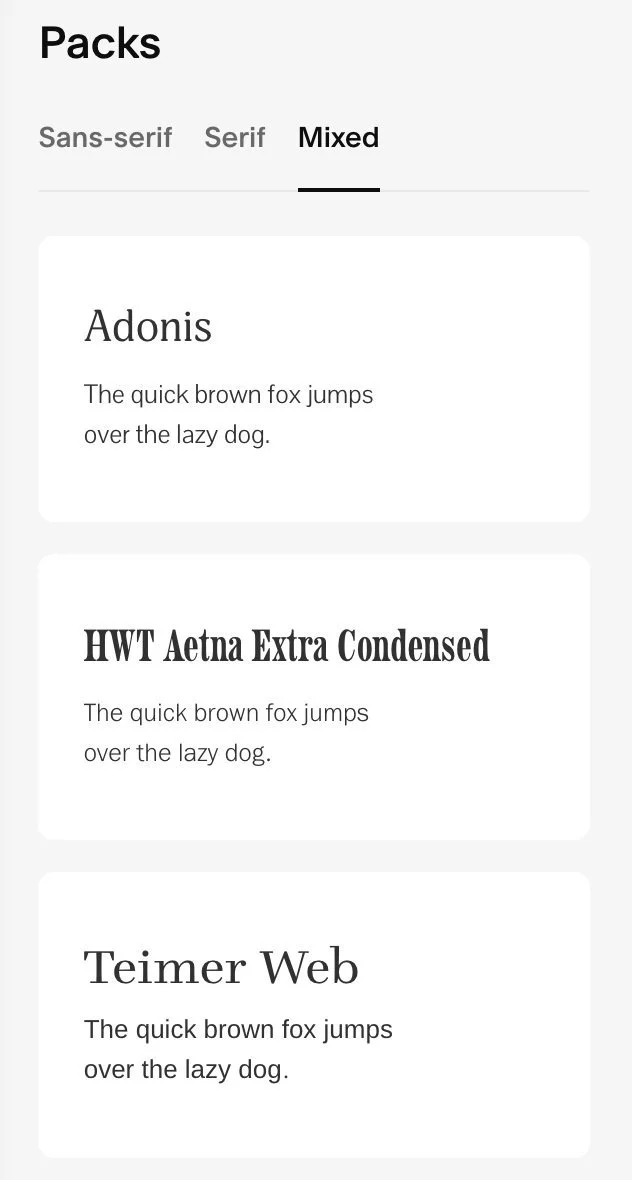
Fonts
Similar to the colors, fonts are handled globally.
You are given the choice of 30 pre-defined font packs, each of which can be customized.
The names of the font packs are derived from the headings font.
I love that you can set the base font size right upfront, and that I can make more individual tweaks as I drill down, if I want to. Most settings work great out of the box.
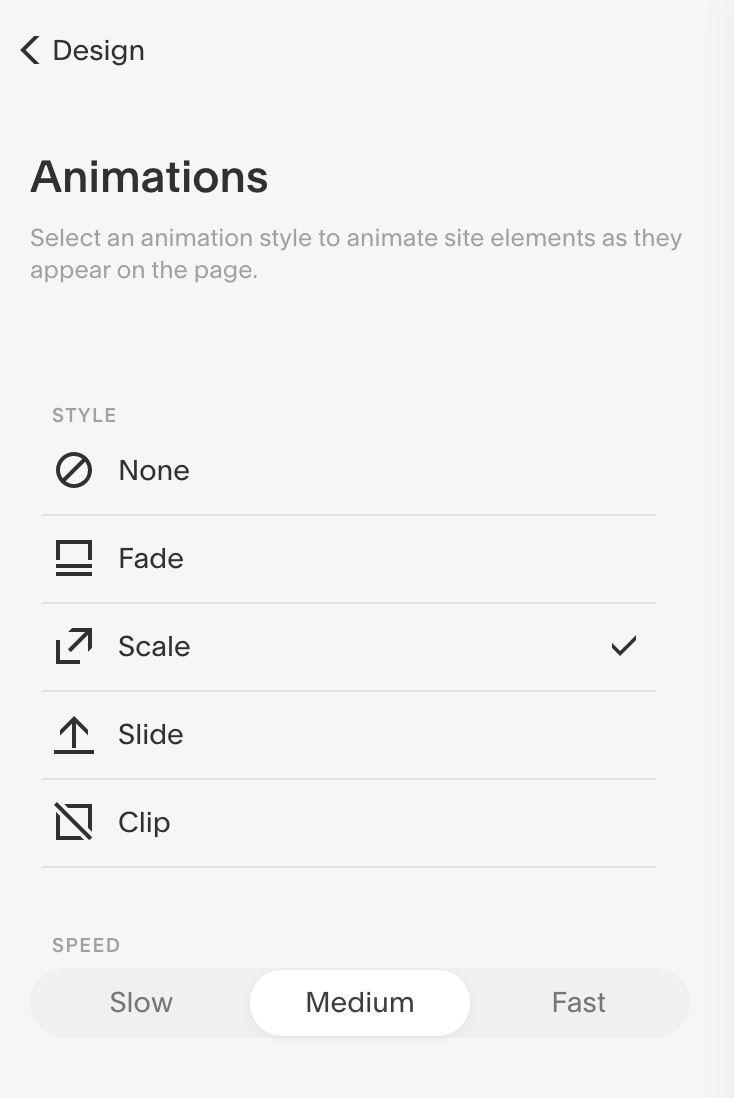
Animations
You might already be familiar with image block animations but in 7.1 you can add animations to the whole website!
These will work for most content blocks and the effects are pretty neat and a nice alternative to the missing parallax.
My favorite setting right now is Scale at Medium speed.
My recommendation if you are still on Squarespace 7.0
Honestly? If your Squarespace 7.0 website still looks good and works great, I don’t think you need to worry too much about upgrading. There are still lots of really nice 7.0 websites out there. However, if your business has changed a lot, or you feel like a fresh start, then definitely check out 7.1, which does have lots of nifty features and so many more styling tools.
You can do a lot with 7.1, and it has become more complex. If you want help, check out my 3-Day-Wonder website service, and book a free consultation if you think it could be a good match for you.