Click the button to watch the video where I walk you through each of these ways.
My Squarespace website is a workhorse, it not only houses my website and blog, it’s also where I host and manage all of my products and courses, as well as my statistics and email marketing. Today I want to share a few more ways in which you can make your website even more efficient by implementing these 5 or 6 pages that will do a lot of work for you behind the scenes, as well as boost your SEO because they keep your visitors engaged for longer.
1. Newsletter Sign Up Page
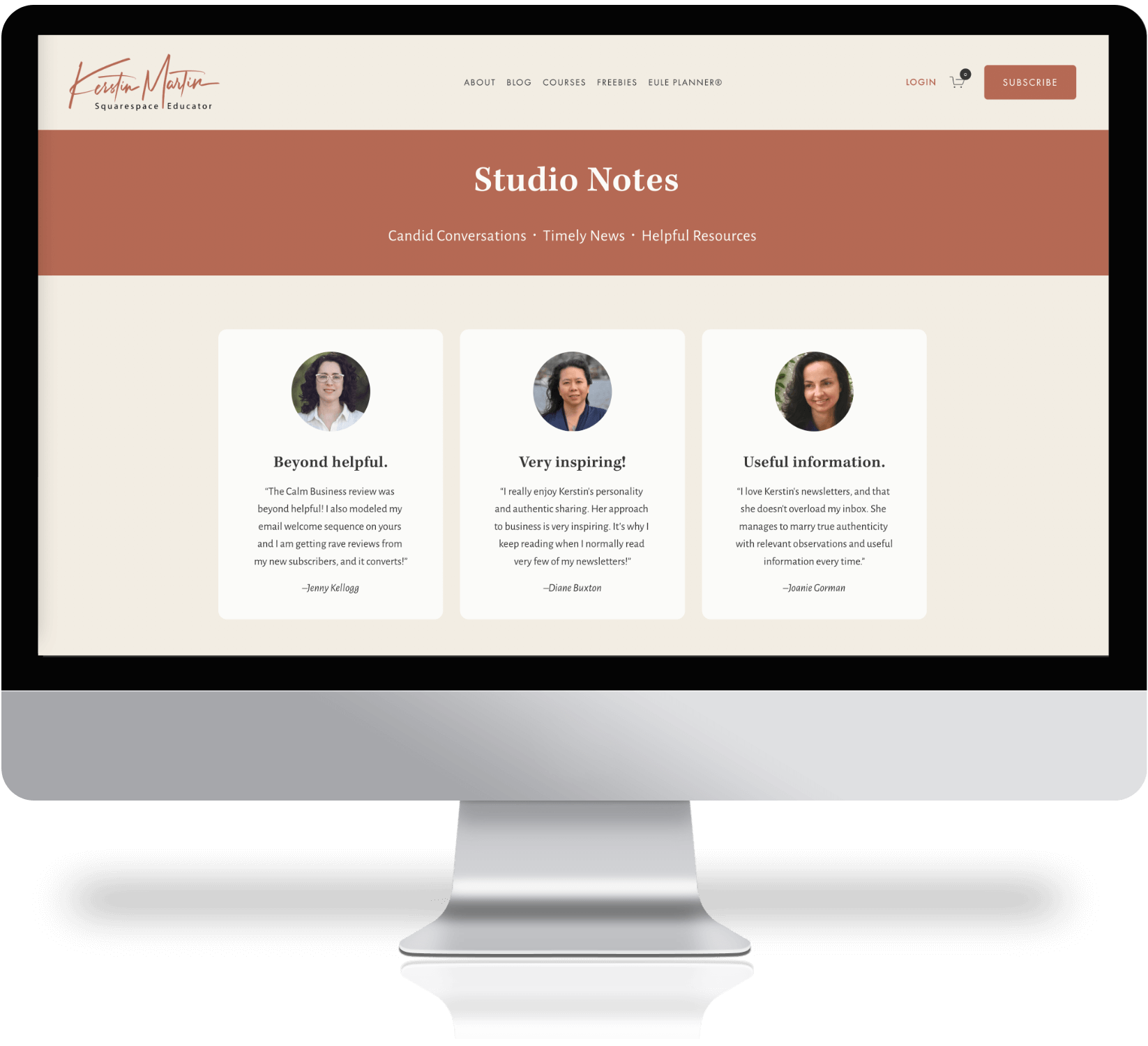
Using newsletter blocks throughout your website is great but I also highly recommend to have a decicated page for your newsletter. Here you can use visuals such as photos or a video, as well as testimonials and more information on what potential subscribers can expect.
I link to this page via my footer and from my Facebook page, Instagram bio and also email it to anyone who asks “Where can I sign up to your Studio Notes?” I get a lot of subscriptions via this page!
2. Post-Submit Page
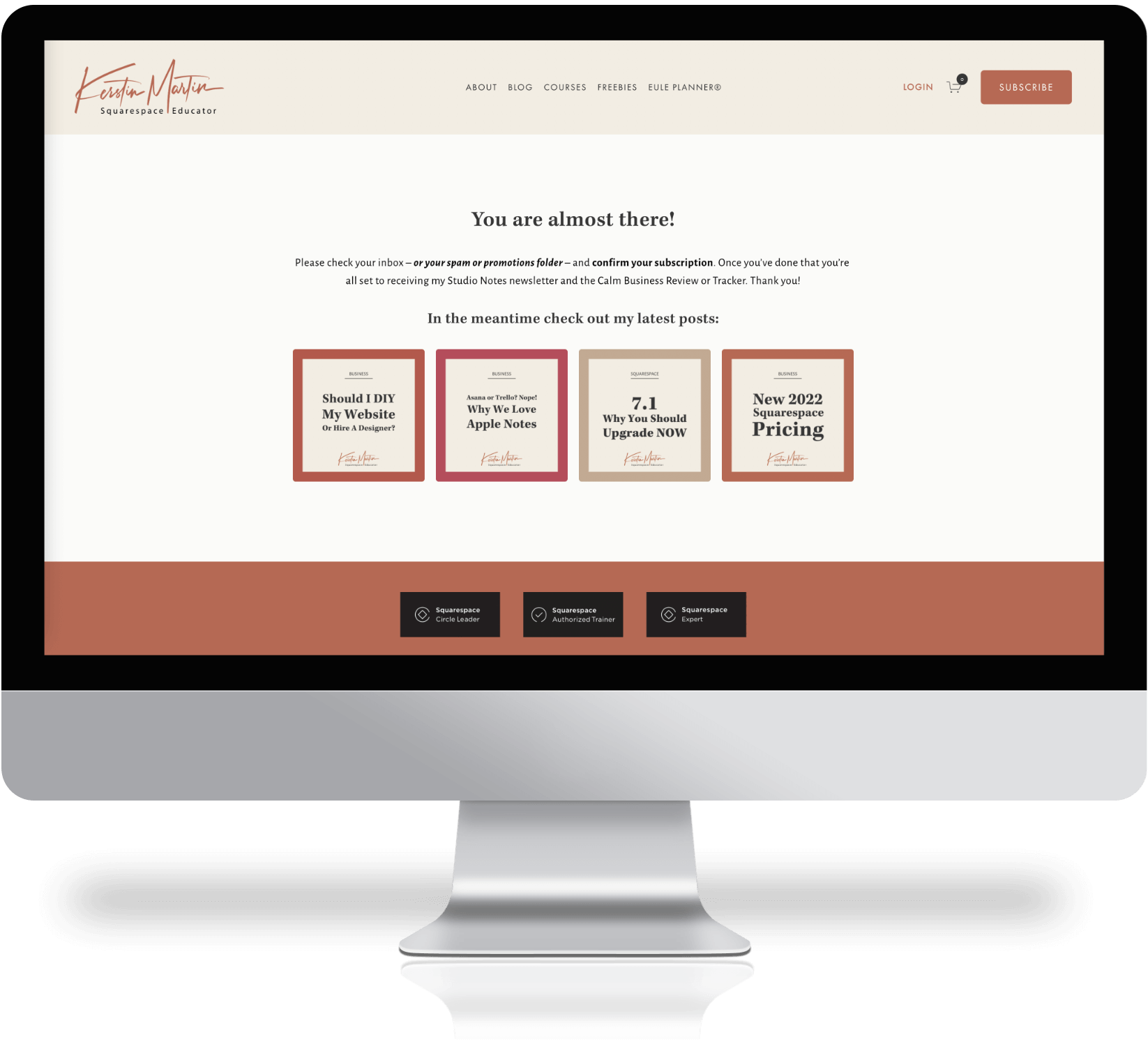
Once someone has subscribed to your newsletter redirect them to a post-submit page. In my case this is a reminder for subscribers to please check their inbox – or spam or promotions folder! – and confirm their subscription (I use double opt-in for my newsletter to be GDPR compliant).
Keeping visitors a little longer on your website is also great for your SEO!
Simply create the page and then point to it in the Post-Submit section in the newsletter block.
3. Instagram Bio Page

What do people see when they click on the link in your Instagram profile? Many Instagrammers use 3rd party tools like Linktree or Unfold’s Bio Sites.
But you don’t need to pay for a service to display a beautiful and effective bio page, you can create something very similar right on your website! The beauty of this is that it’s not only free but you can also style it and include things like:
Photos and buttons
A summary block with blog posts
A newsletter sign-up block
.. all while keeping your design and colors on-brand.
In 7.1 you can do this by creating a page in the Not-Linked section: make sure you turn off the SEO for this page, and optionally hide the header and footer (via the page settings).
4. Customized 404 Page
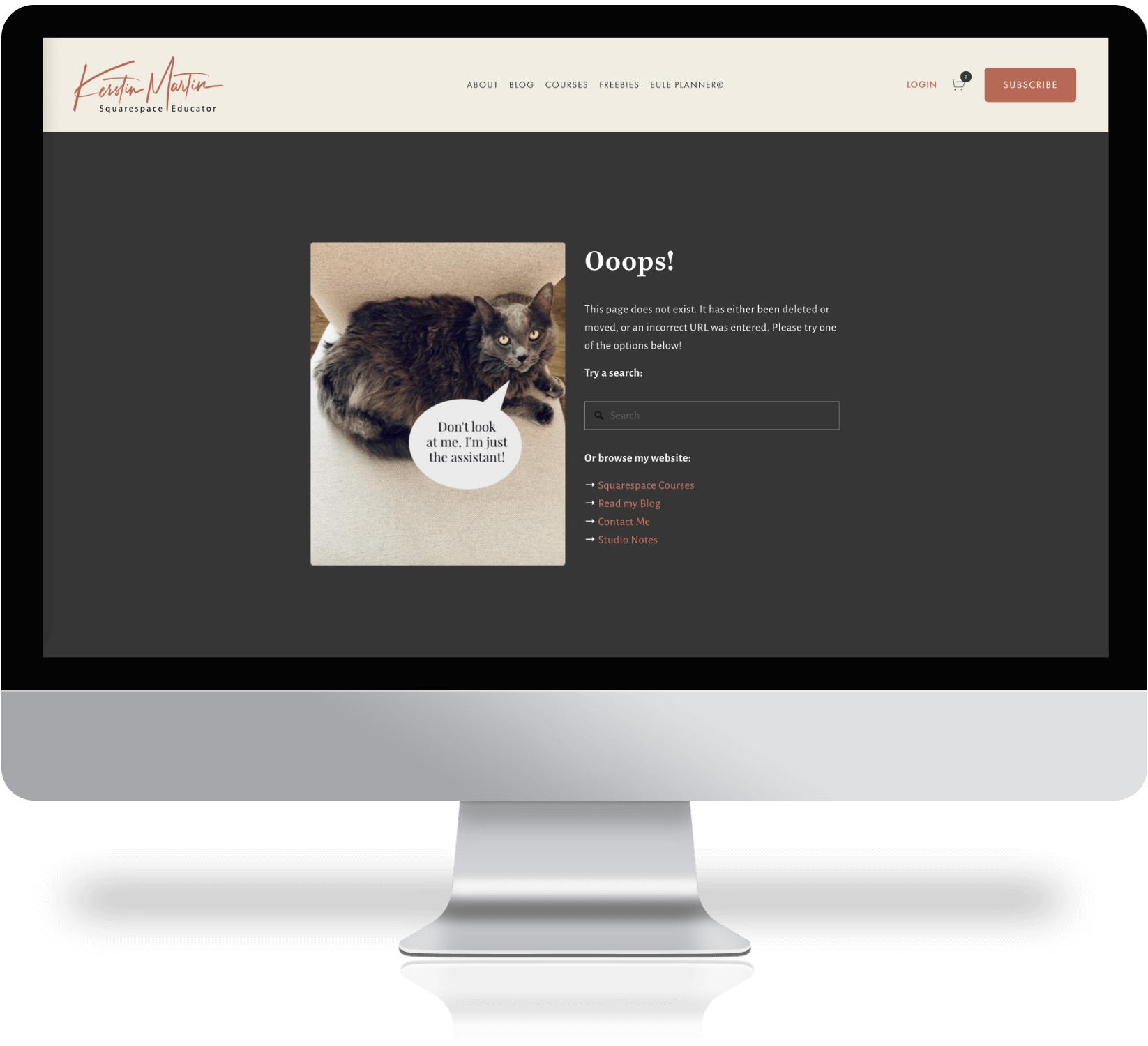
Did you know that you can customize your 404 page in Squarespace? The 404 page is triggered when someone enters a URL on your website that does not exist, this usually happens when they try to acess a page that’s been deleted or where the URL has been changed, or they mistyped the URL.
Adding your own 404 page is easy, simply create a new page with the slug /404 and connect it via > Design > Not Found / 404 Page.
Having a customized 404 page has a few advantages:
It looks nicer! Rather than displaying the standard boring 404 message you can style it and make this page more engaging so that people don‘t immediately leave your website.
You can add links to other pages. This way you are not stranding your site visitor with nowhere to go and keep them on your site for longer which is always great for your SEO.
Add a search box. This encourages your site visitor to keep searching for the content they were looking for.
5. FAQ page
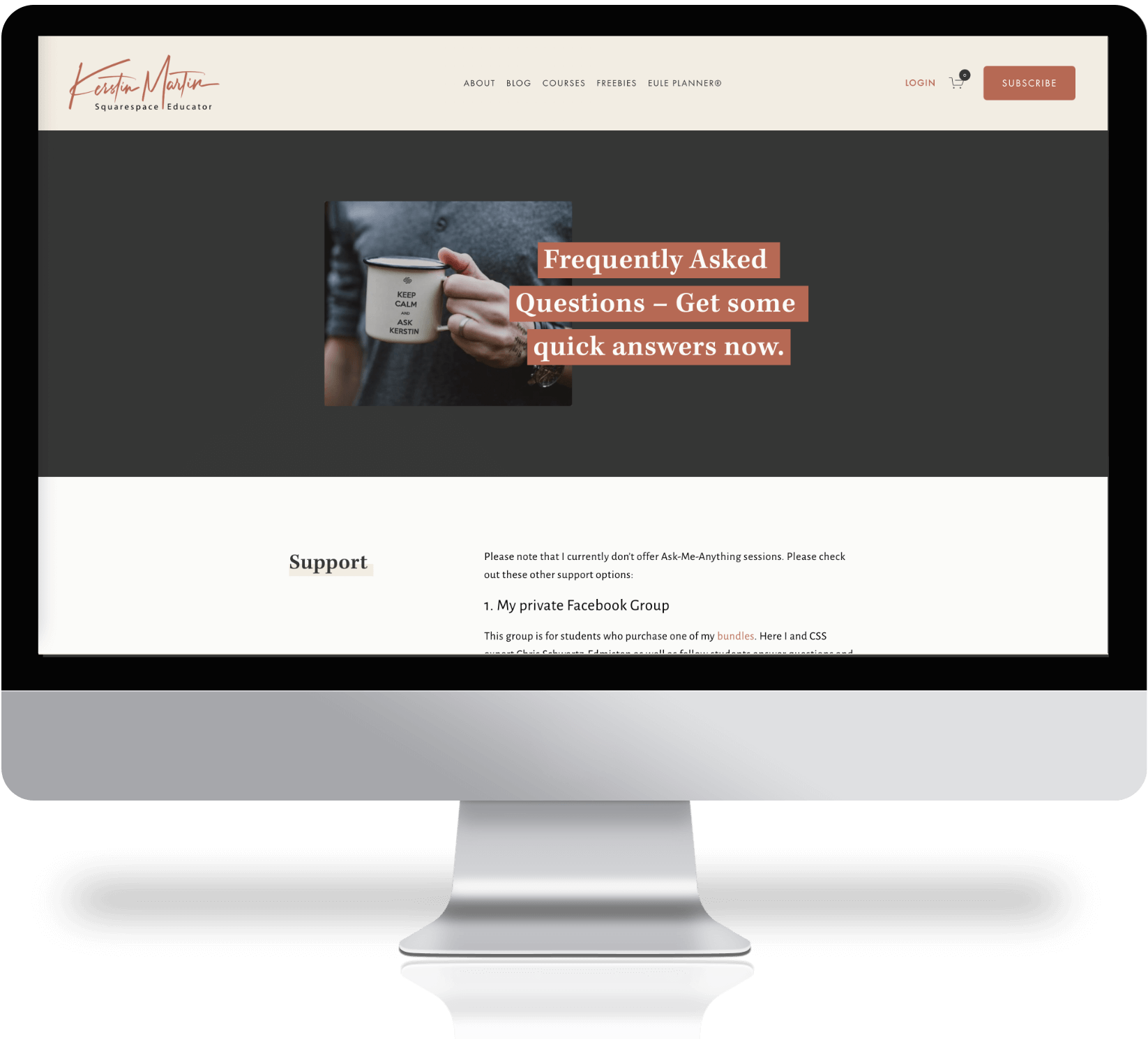
This is one of the most important pages on your website!
As anyone knows who manages a growing online business, email is the savior and bain of our existence. I don’t know about you but I used to get pretty inundanted with daily email inquiries and eventually I realized that I need to do something to manage this more effectively and without keeping people waiting for days, and sometimes even weeks, before I was able to reply.
Cue in the FAQ page!
I link to my FAQ page from my auto-responder email as well as my contact page and my footer.
Doing this has significantly cut down email inquiries and increased my eCourse sales! Which was a nice side effect I did not expect! I guess it makes sense because now people who have questions about my courses can get the answers quickly without having to wait for my reply, hence they are able to make their purchase decision there and then.