
Which Squarespace Digital Product is best for my Online Course?
Now that Squarespace have launched their new Courses feature I’ve been seeing a lot of questions and also some confusion as to which Digital Product to use for an online course. So let’s take a closer look at the three types of Digital Products:
Member Sites (folder)
Video Courses (collection)
Multi-Media Courses (collection)
Below I list the features of each Digital Product, as well some use cases. Watch the video for a walk-through of each product type.

1. Multi-Media Courses
Features
This is a collection in Squarespace.
Can be stand-alone or part of member site.
Awesome sidebar navigation.
Students can track their progress.
Easy to use and well organized.
‘Proper’ modules and lessons.
Lots of styling options thanks to Fluid Engine.
Good for
Technical courses
Business courses
Arts & Craft courses
Any course that has both video and written content
Visual courses that use photos and galleries
2. Video Courses
Features
This is a collection in Squarespace.
Can be stand-alone or part of member site.
You can use categories to organize your videos, which also makes it easy for students to navigate classes.
Related videos can be customized per video lesson, offering students relevant additional content.
Good for
Online yoga classes
Cooking classes
Any pure video-only classes
3. Member Sites
Features
This is a folder in Squarespace.
The most versatile digital product as you can add all kinds of content pages into one member site, including multi-media courses and video courses.
Great for programs that have content that is updated regularly, like a blog for news and announcements for instance.
Limited student interaction possible via a blog comment section. I say limited because a comment section does not replace a group or forum, but it can still be useful for targeted discussions about a blog topic for instance.
Has a different navigation from multi-media or video courses.
Good for
Multi-level membership program
News and announcements (via blog)
Private blogs
Private events
Private galleries
Member only shops
My recommendation
Unless you have a program as shown in the example in my video, my recommendation is to stick with one type of Digital Product. The navigation for Member Sites is different to the navigation for Video Courses or Multi-Media Courses, and it could be confusing for your students if you use both.
For online courses I love the new Courses feature because of the way I can organize and style modules and lessons, and the awesome sidebar and student’s ability to mark their lesson progress.
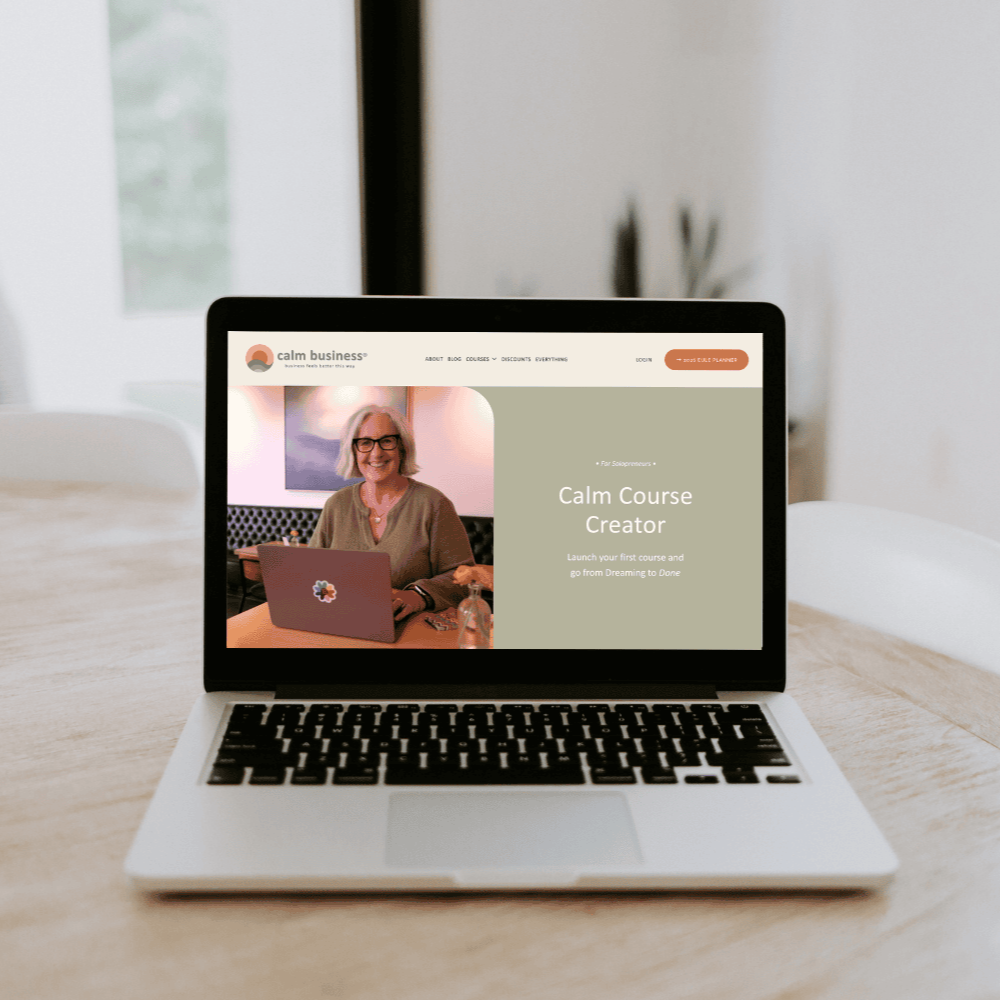
Ready to launch your own online course but not sure where to start?
I can help! In my Calm Course Creator course, I take you through all the steps from planning to creating your course and launching it so that it actually sells.
I host all my courses on Squarespace, so you’ll be able to see what that looks and feels like, too.