What is the best thumbnail size for sharing Squarespace blog posts to social media?
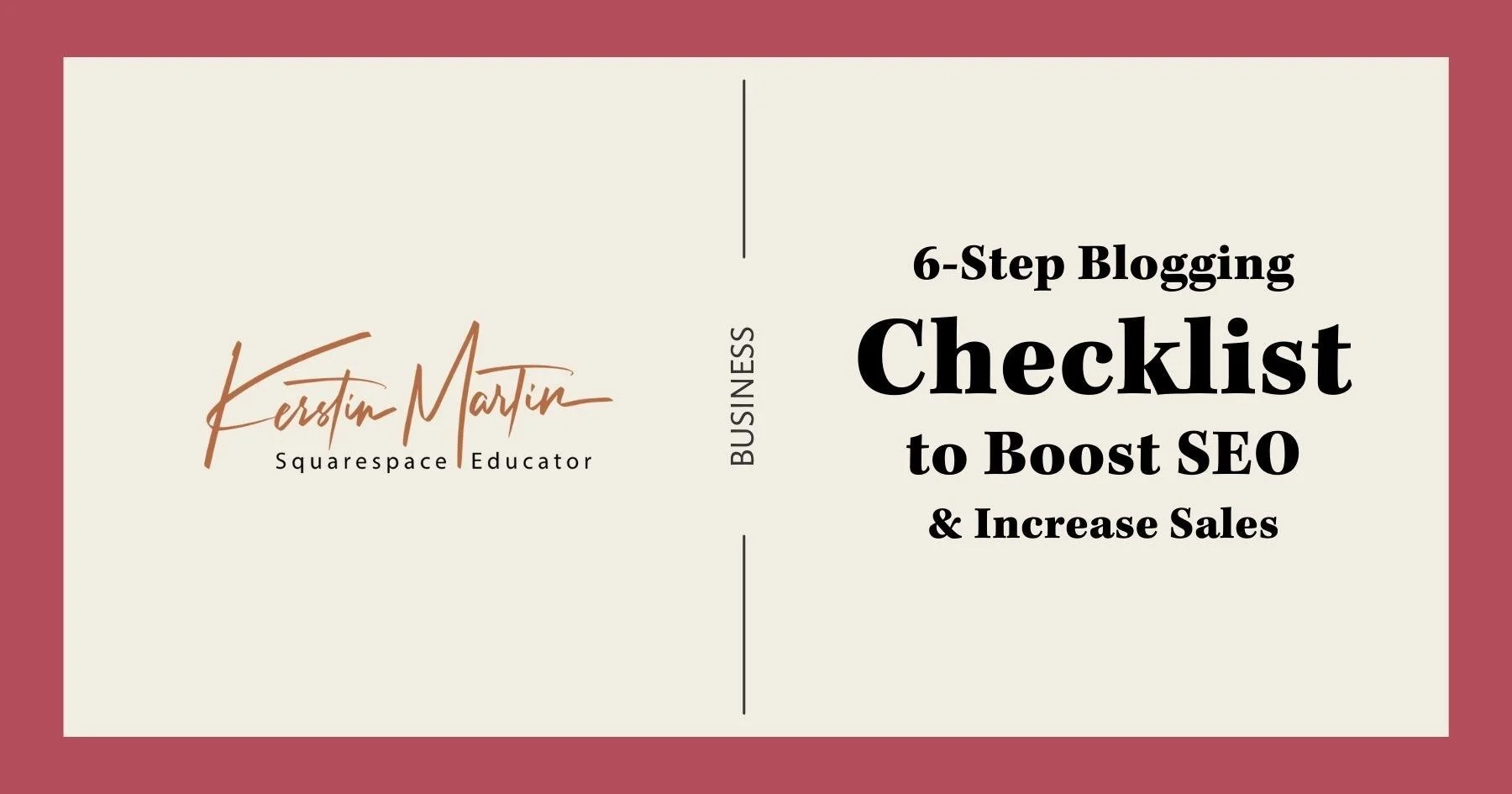
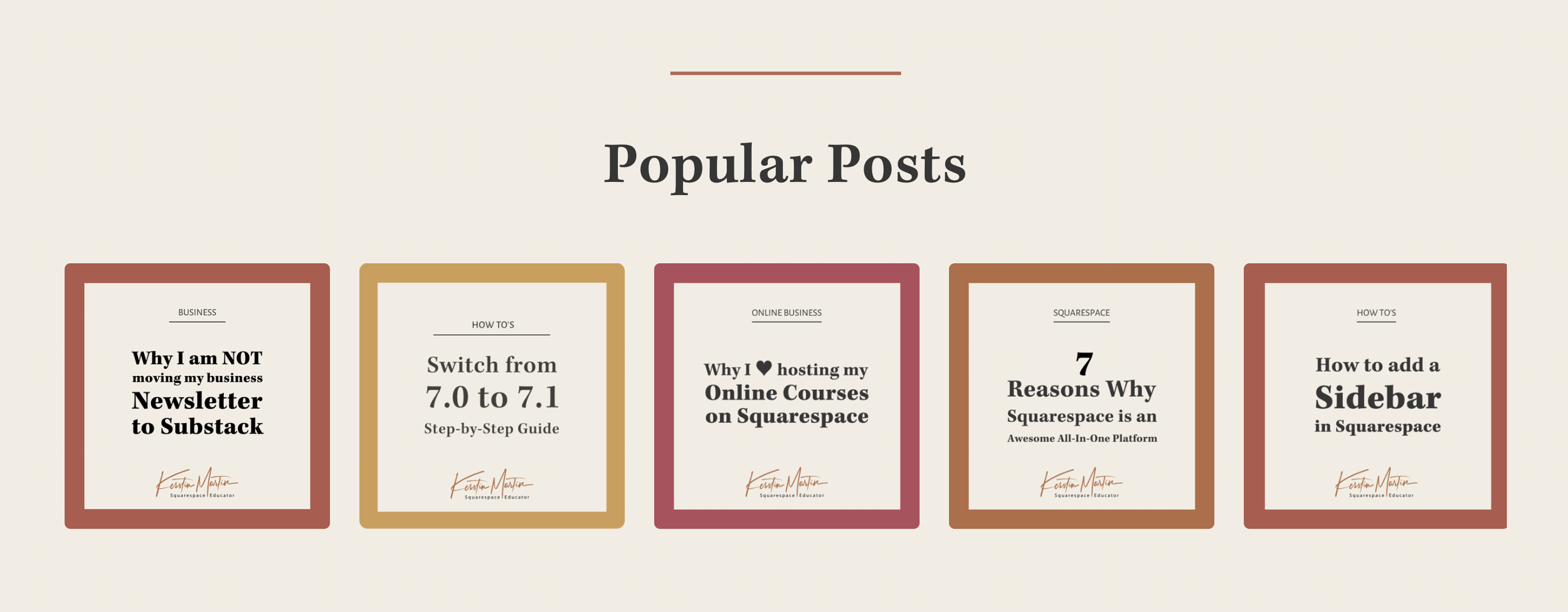
Example of a social image for one of my blog posts
Updated August 2026
I’ve been blogging since 2005, and things have definitely become more complex over the years. For a long time, we just used RSS readers to follow our favorite blogs, but these days blogs get shared across a multitude of social media platforms, and as bloggers we want to make it as easy as possible for our readers to share our content with their preferred services.
Squarespace has come a long way in this regard, and both blog thumbnails and social sharing images make it easier than ever to share our blog posts in a manner that is effective and visually attractive.
When shared on social, Squarespace uses blog images in this order:
Blog post or product social image
Featured image
First image in blog post
In the following I will explain each image type in more detail and the challenges with different sizing requirements and how I decided to address them.
Featured Images
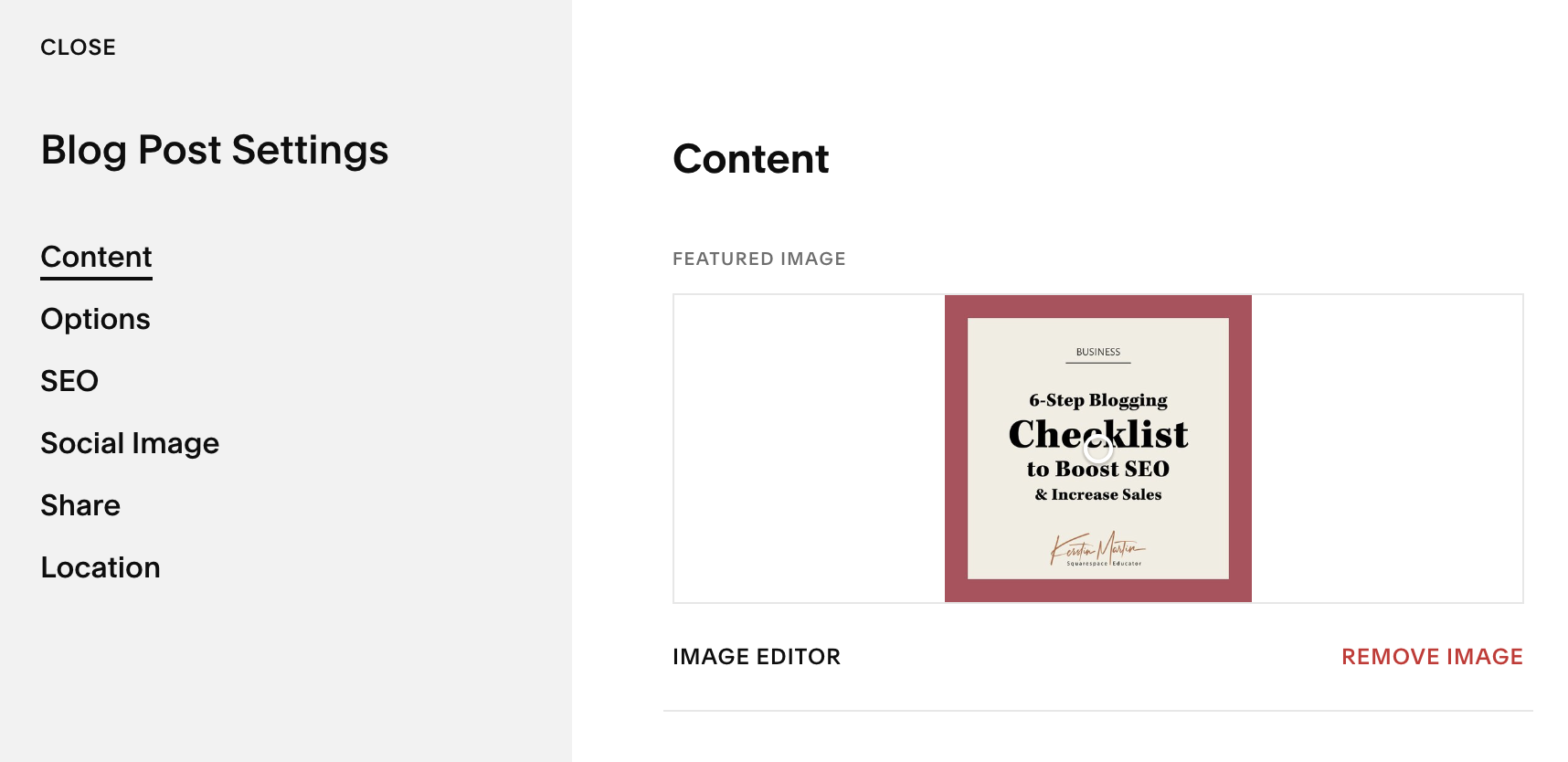
Go to > Blog Post Settings > Content
With each blog post, you can add a thumbnail or featured image via the Content tab in your blog post settings. Featured images show up in different areas throughout your site:
Blog post banners
Summary blocks
Social media sharing
Social Images
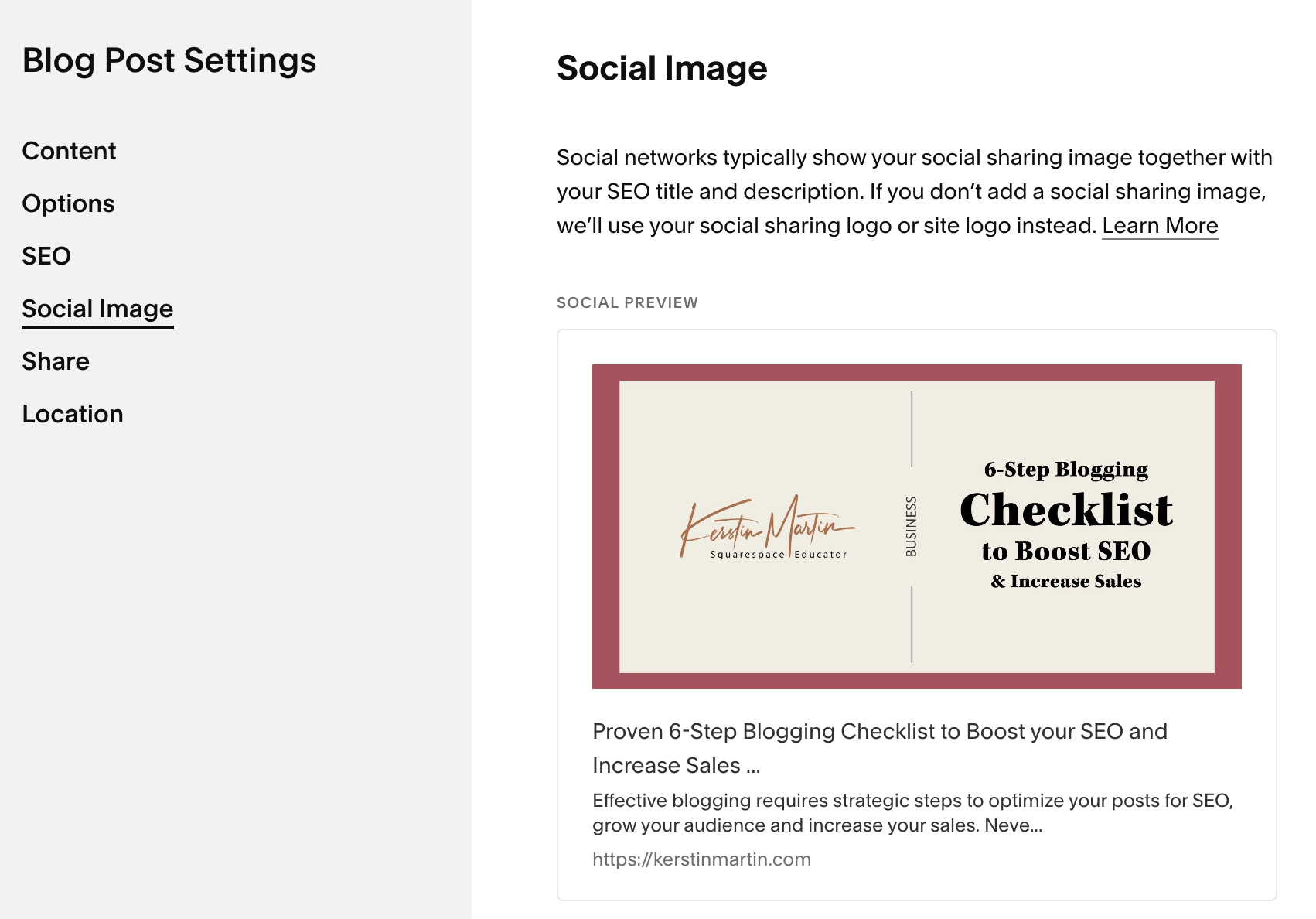
Go to > Blog Post Settings > Social Image
A social image added to a blog post supersedes that post’s featured image when a post is shared on social media. If you don’t add a blog post social image then Squarespace will use the sitewide social image for sharing blog posts.
Social sharing images available in the following places:
Sitewide
Per page
Per collection item (blogs, products, events)
The Challenge
Everyone has different optimal image dimensions (click here for a really helpful article), and they range from horizontal to square to vertical:
Facebook – 1200 x 630 px
Twitter – shares images as a square
Pinterest – 735 x 1100 px or 2:3 ratio
LinkedIn – 1200 x 628 pixels
Since there is no easy way to accommodate everyone, I decided to only focus on the platforms that are most important to me: Facebook and LinkedIn. Which is good, as they both like the horizontal format!
My Process
I use Canva to create both my featured image and social image.
The featured image is 1500 x 1500 px as I like to use square images on my main blog plage.
For the social image I use the 1200 x 630 px dimension.
I add both via my blog post settings.
And that’s it! It’s an easy process that creates consistency across the platforms I care about.
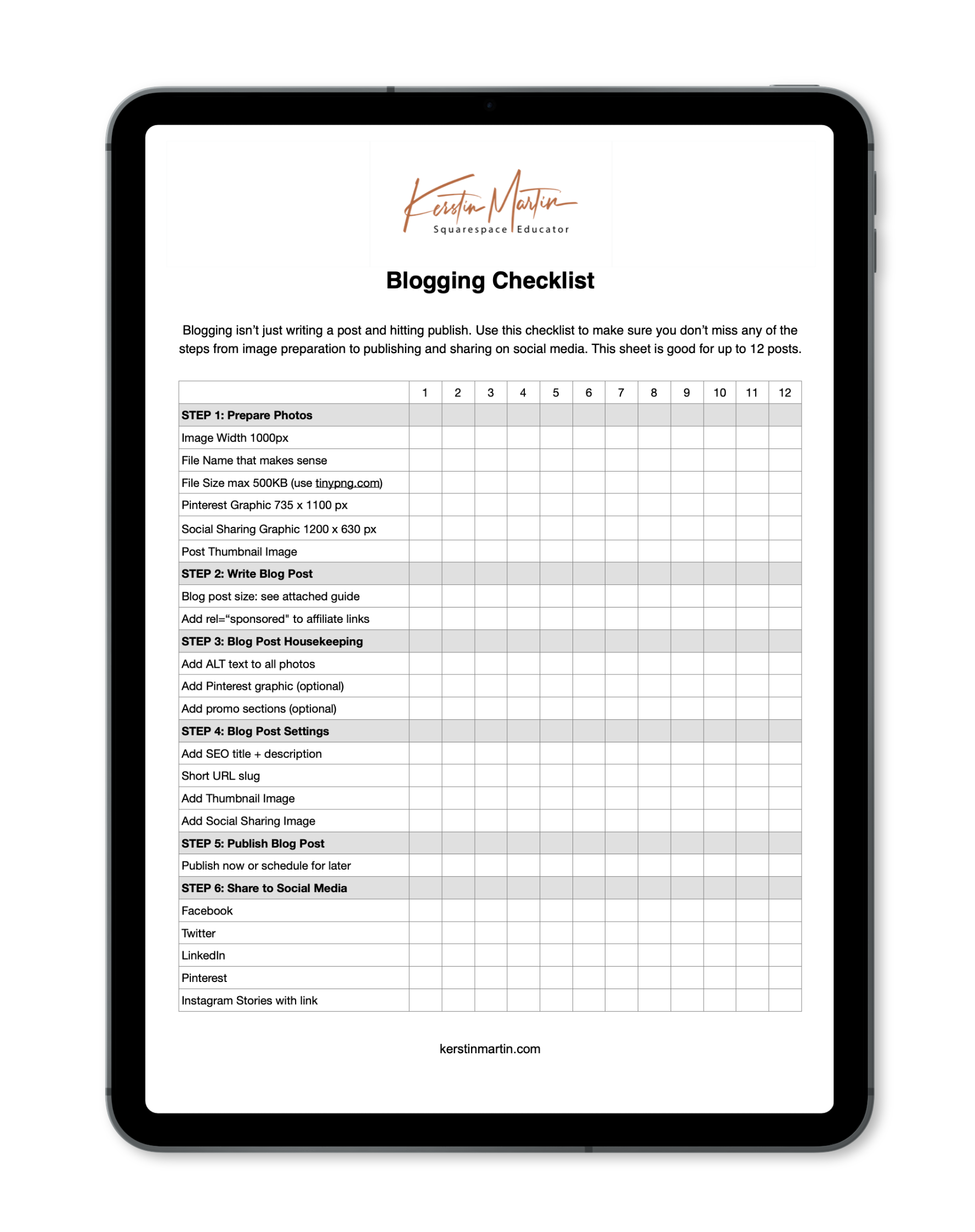
Don’t miss a step!
Get my blogging checklist and make sure you don’t miss a step when it comes to optimizing your blog so you can grow your audience and increase your sales. The checklist is part of my Calm Business Library, which contains lots of other goodies as well.