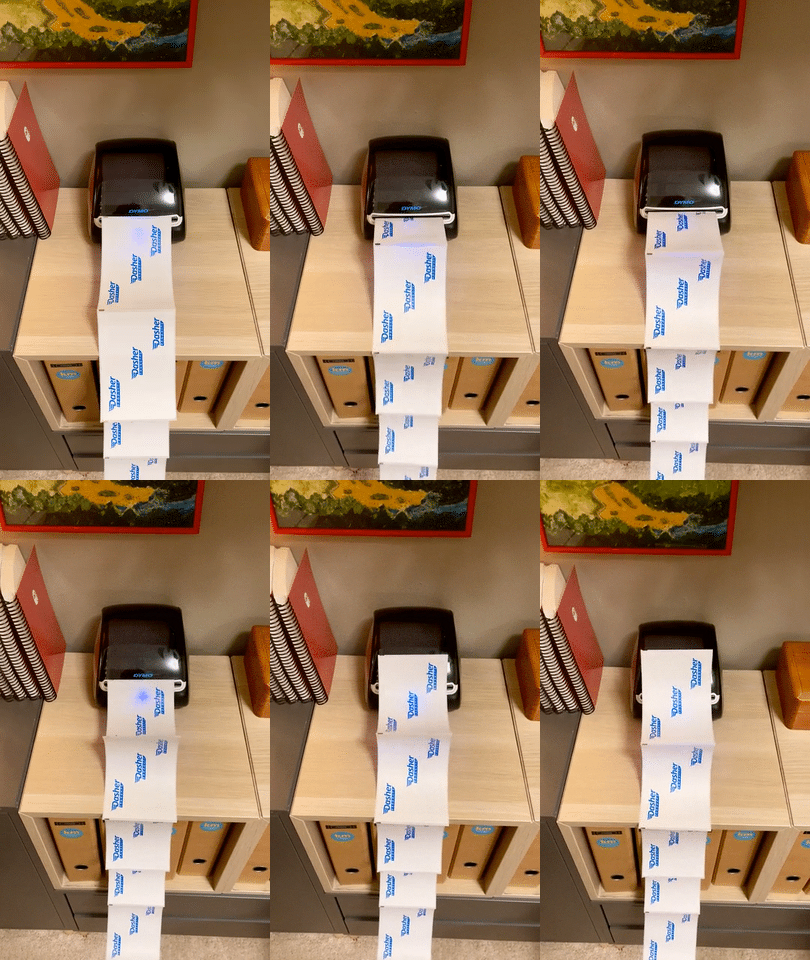
If you’re in the US and looking for a free service for printing and saving money on shipping labels, look no further!
I feel like Pirateship is one of the best kept secrets out there for us Squarespace shop owners! I’ve been using them for my Eule Planners for the last couple of years and am finally getting around sharing this secret with you. Getting set up is easy, just follow the steps below!
Quick Links
Step 1
Go to pirateship.com and create a free account.
By the way, this is not an affiliate link, they do not have an affiliate program because they prefer to pass their savings onto their customers. Fine by me!
Step 2
In Pirateship go to:
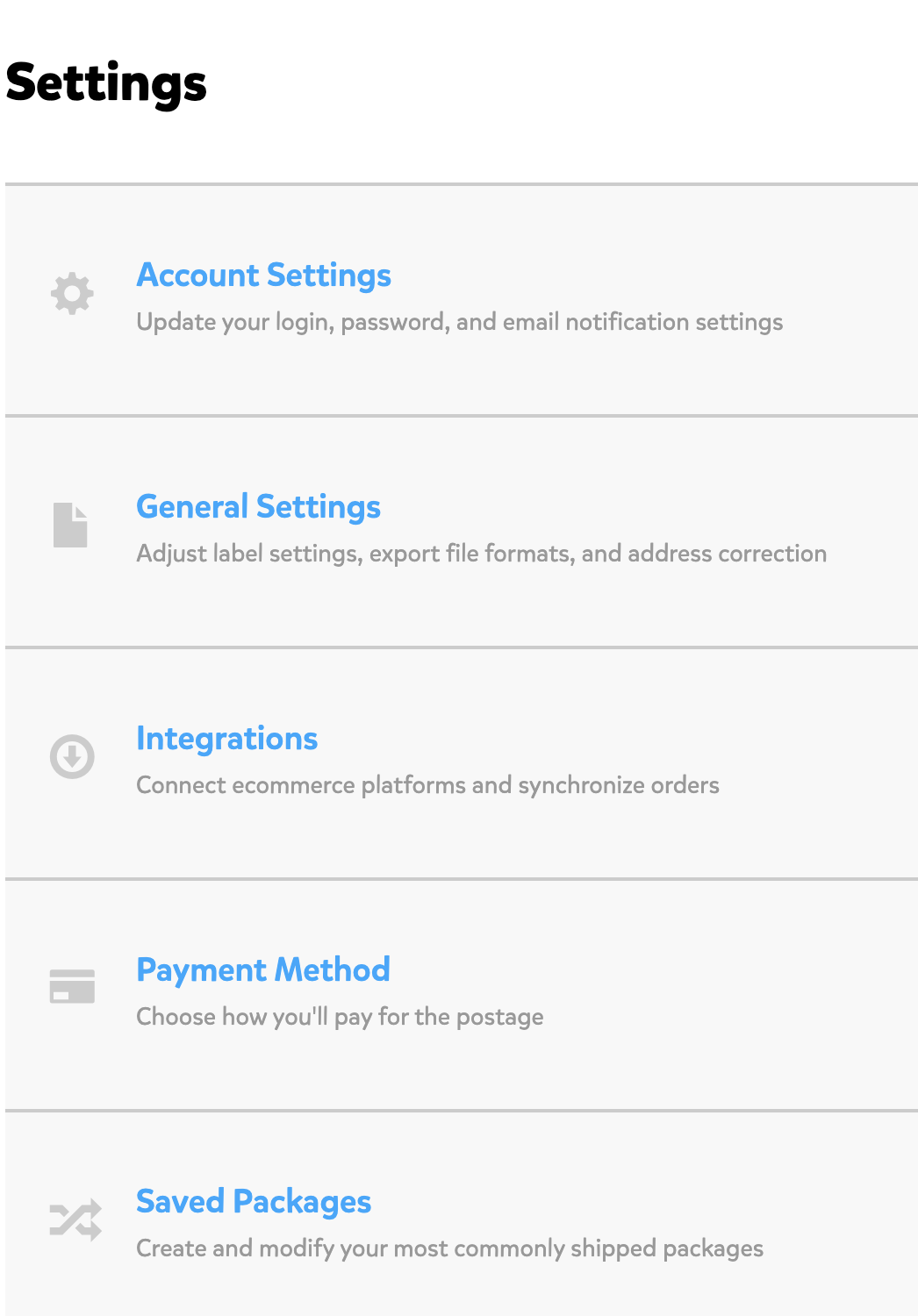
> Settings
> Integrations
> Connect New Source
> Select Squarespace
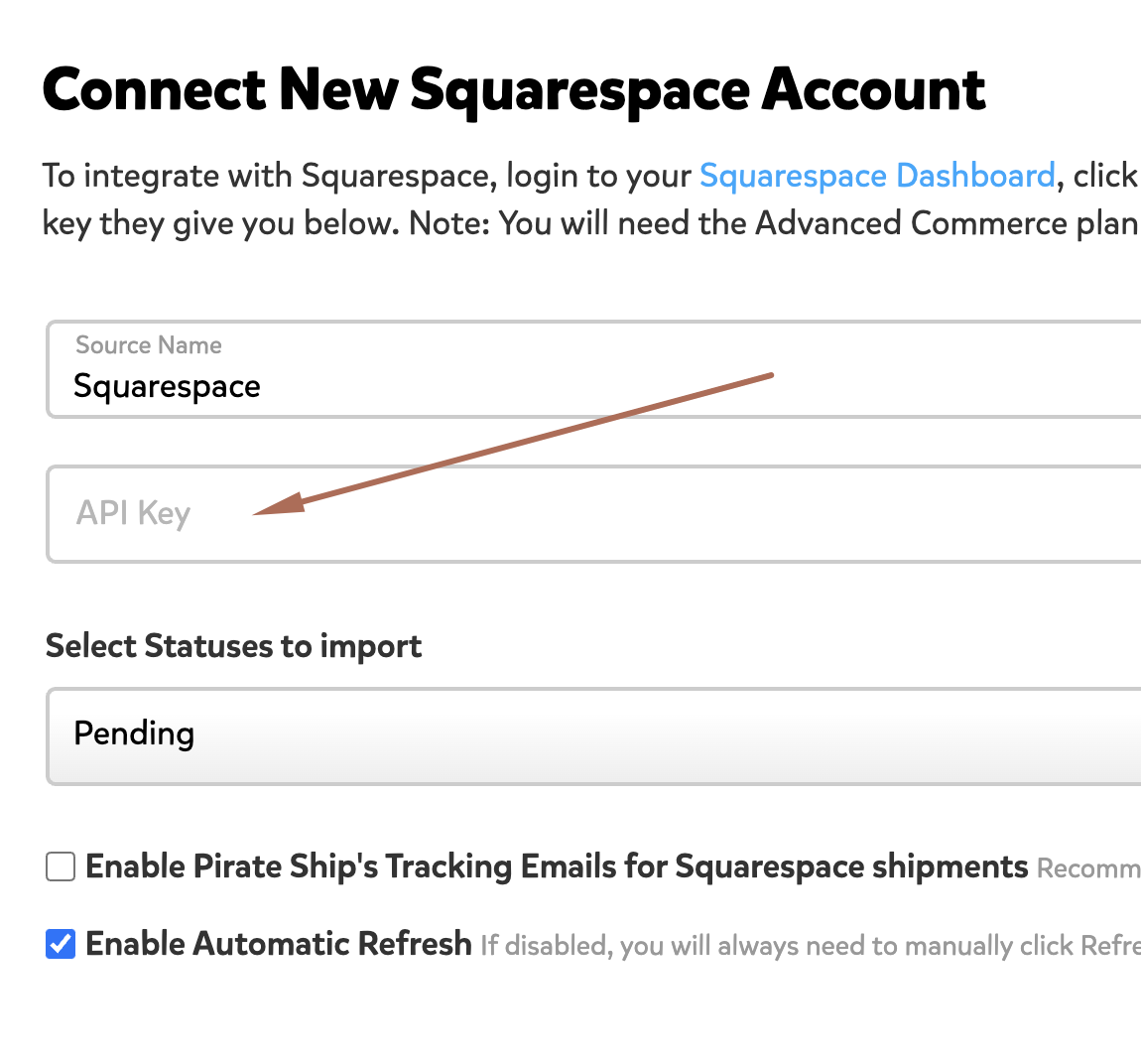
Step 3
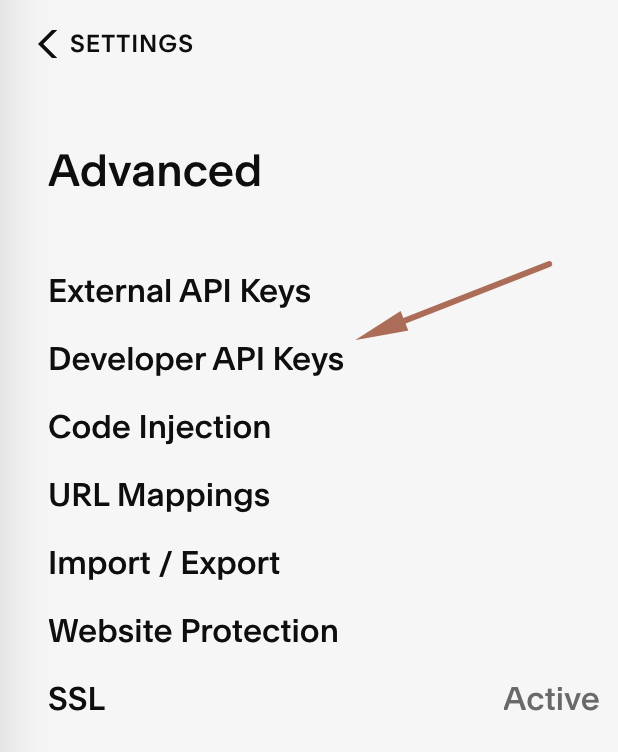
In Squarespace go to:
> Settings
> Advanved
> Developer API Keys
> Click on Generate Key
Step 4
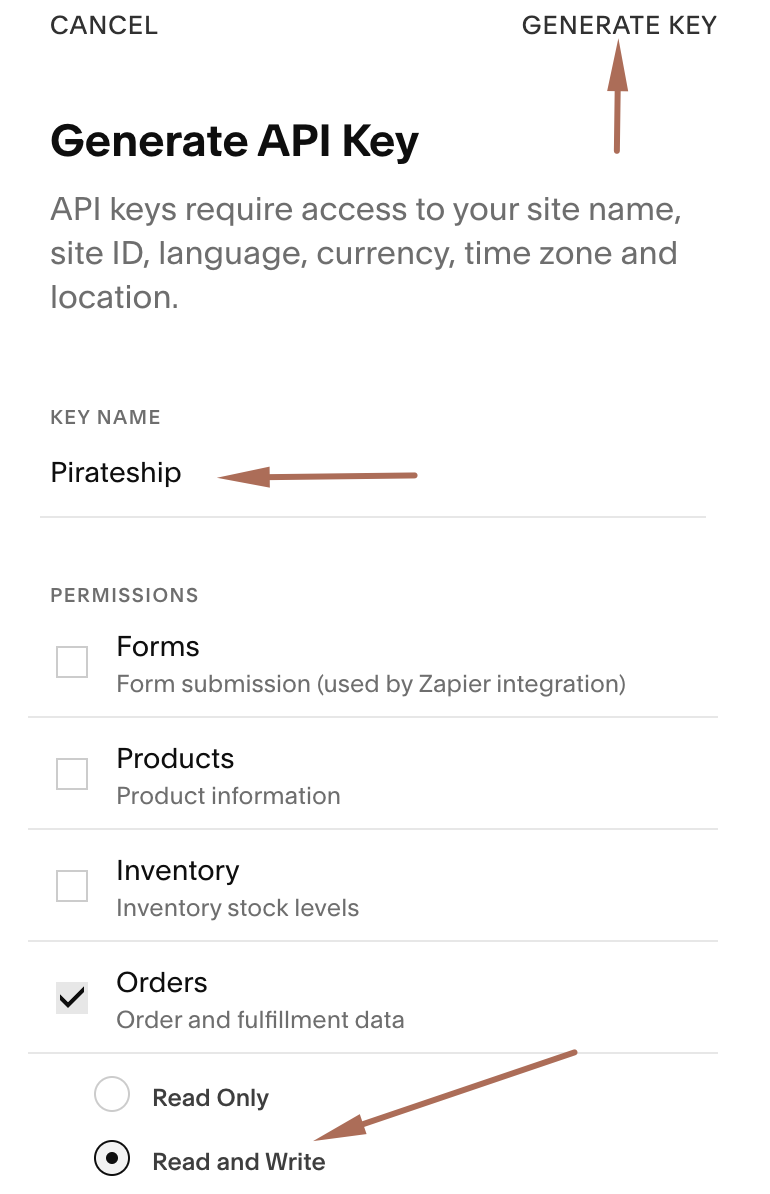
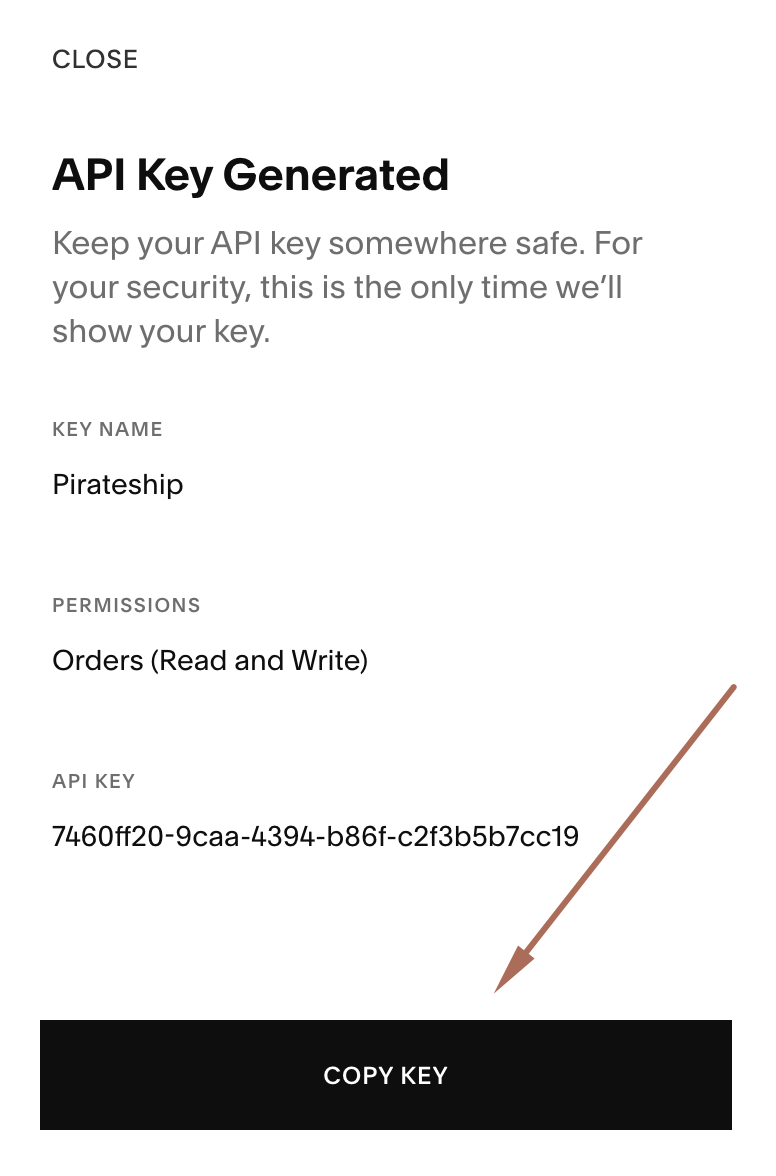
On the Generate API Key form:
> Add Pirateship in Key Name
> Select Orders
> Select Read and Write
> Click on Generate Key
Step 5
> Click on COPY KEY
> Paste the key somewhere safe, once you close this window you will not see it again.
> Go back to Pirateship and paste the key into the API Key field and save. All done!
Label Printer
I researched label printers extensively and finally settled on the DYMO LabelWriter 4XL.
Love it!