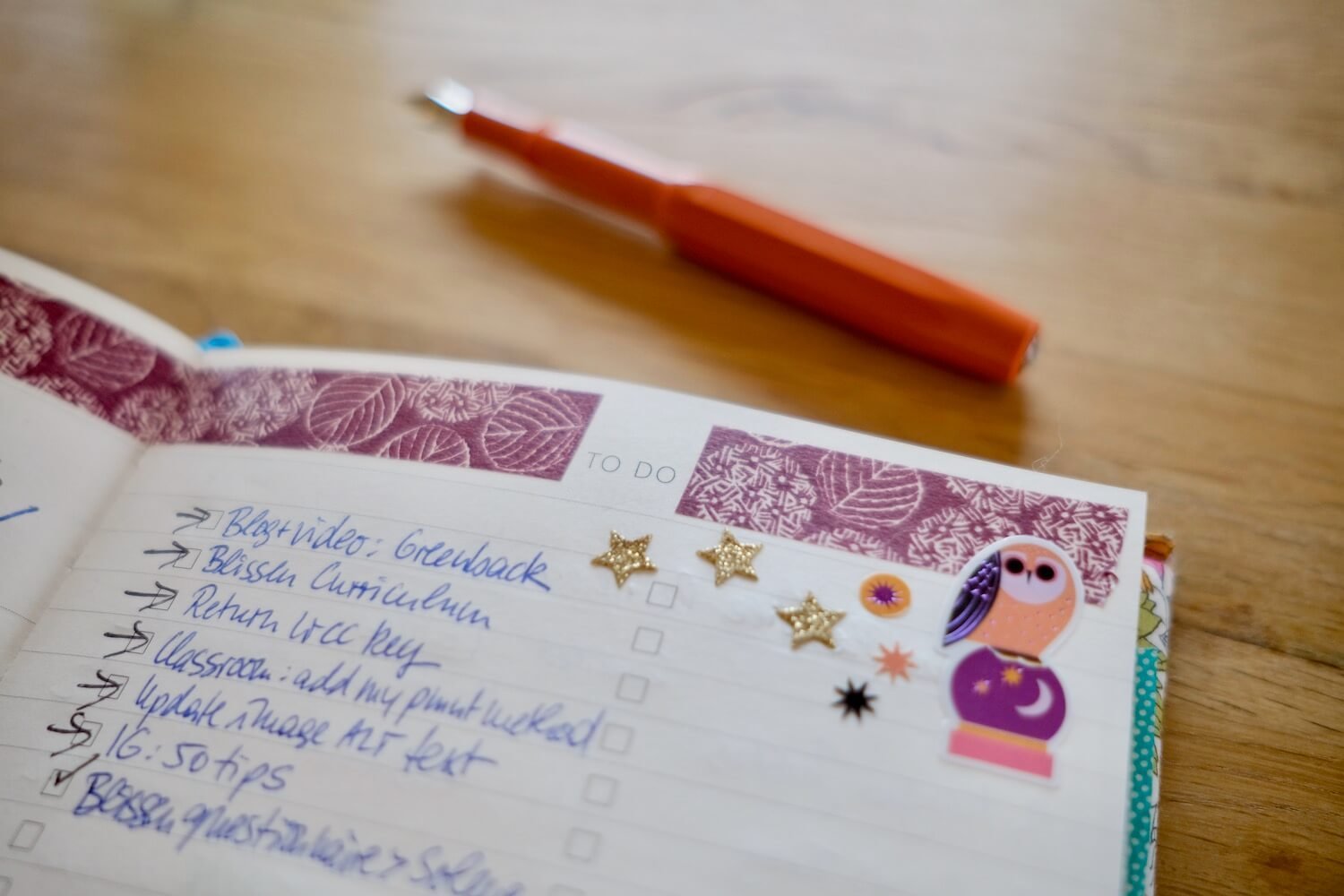
Exploring the Eule Planner: Weekly Calendar
The Eule Planner is packed with handy fabulous page layouts to keep your entrepreneur life on track. From planning, tracking and organizing day-to-day activities to capturing those big picture dreams and goals - we’ve got you covered!
In this post let’s take a closer look at the true workhorse of the Eule: the Weekly Calendar.
It appears on the left page of the weekly spread. And yes, you can go a little crazy with the washi tape and stickers ;-)
The weekly calendar is divided into two columns. For Monday-Friday the days run down the left column, with a lovely blank space in the corresponding right column. The weekend shares the bottom row - Saturday on the left, Sunday on the right.
The two-column layout gives the page so much flexibility! The most obvious use is to keep track of your daily appointments. You could try splitting the columns between:
AM and PM
Work and Personal
Meetings and Phone Calls
We like using the left column for appointments then the right column to keep track of something completely different. Here’s some things we’ve tried:
Top 3 tasks of the day
Birthdays/anniversaries
Calls to make / emails to send
Meal planning or tracking
Exercise log
Gratitude diary
Books/TV/Films log
Daily word count for a writing project
You can mix it up from day to day or week to week depending on what’s going on in your life. Experimenting is half the fun!